Access is decided at three levels: your role in the organization, the team that owns a domain, and an optional list of people attached to a single link.
Roles
- Owner — one per organization. Can transfer domains, transfer ownership and delete the organization. Transferring ownership demotes the previous owner to admin in the same action.
- Admin — everything except ownership transfer: billing, member management, API keys, the audit log, domain deletion and statistics deletion.
- User — creates and edits links, folders, bundles, posts and QR codes.
- Readonly — sees links and statistics and changes nothing. Write endpoints return 403.
Give day-to-day contributors the user role and keep admin for the two or three people who handle billing and domains.
Teams
A team groups people and owns domains. Assign a domain to a team and only that team's members see it in the domain switcher. This is the right tool when one organization serves several clients, or when a domain should not be visible to everyone.
Teams also carry two group-level security settings: enforced two-factor authentication and SAML single sign-on.
Per-link permissions
A single link can be restricted to named organization members. Anyone outside the list — except the link's creator and the organization's owners and admins — gets a 404 from the API rather than a 403, so a restricted link does not disclose that it exists.
This restricts management of the link, not the redirect. The short URL still works for anyone who has it. If the destination must be protected, protect it at the destination, or use a password-protected or encrypted link.
The audit log
Sensitive actions are recorded with the user, the entity and the IP: API key creation and revocation, member and role changes, domain deletion, statistics deletion, transfers. Admins and owners can read it. It is the first place to look when something changed and nobody remembers changing it.
A workable default
Most organizations need: one owner, two admins, everyone else a user, readonly for clients and contractors who only need numbers, and per-link permissions used rarely and deliberately.
Find this in your dashboard
- Sign in and select the workspace and domain you want to manage.
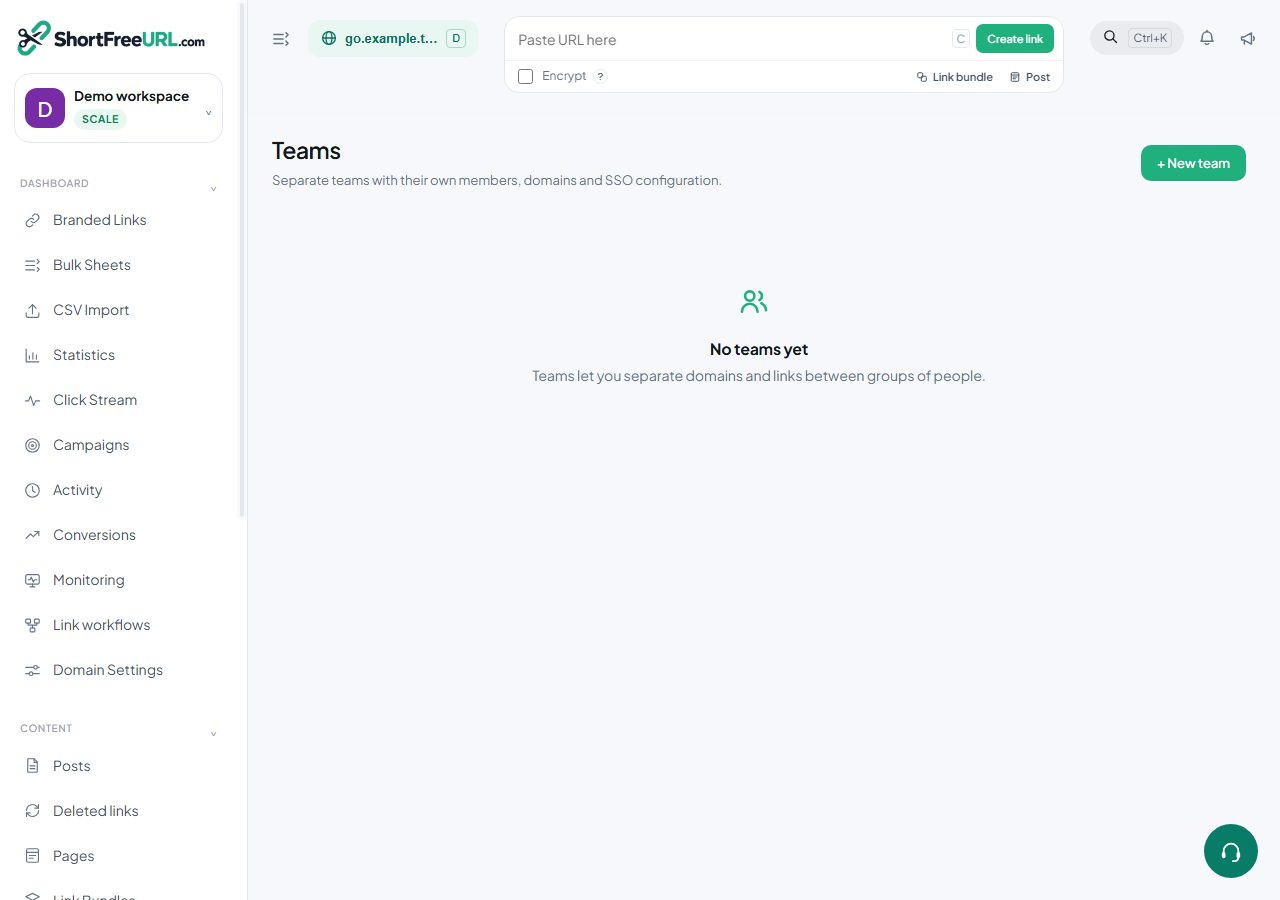
- Open Teams. Review the article’s steps and your plan’s available controls.
- Save your changes, reopen the record and verify the saved result. For routing changes, check the short link with a test visit.