

Separate ad clicks from purchases in your campaign reports
A short-link visit is useful evidence of interest. Build a measurement plan that keeps it separate from checkout revenue.
By ShortFreeURL Team · 12 September 2026
Name the event before connecting
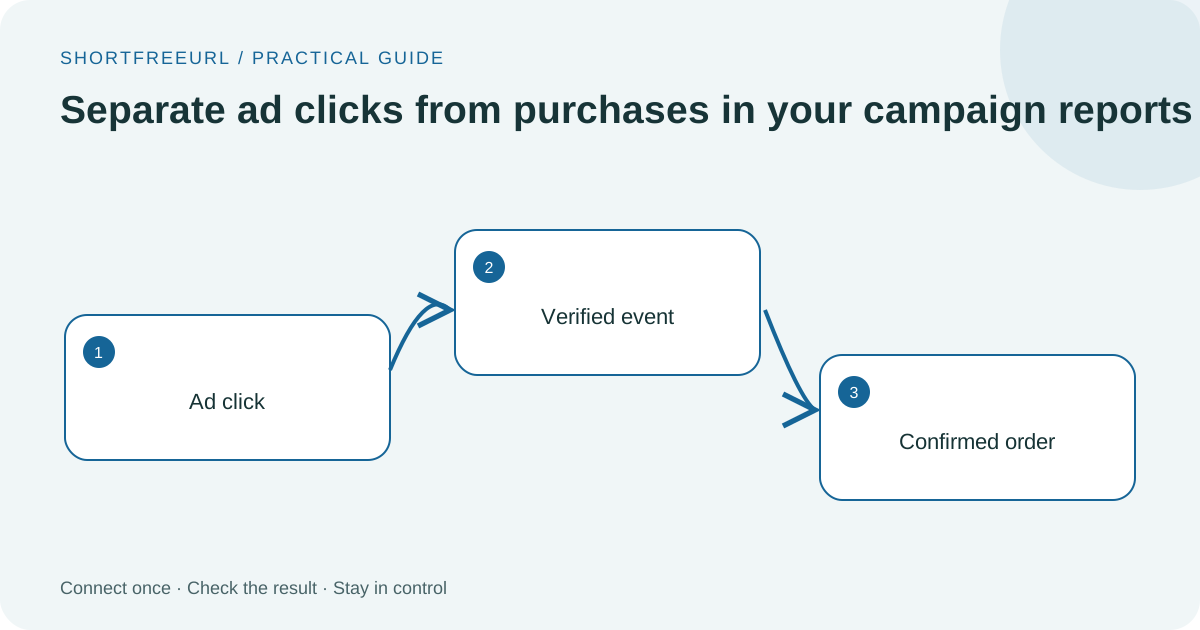
Imagine an ad sends 200 visitors through a short link and the checkout records six orders. The shortener can observe the visits; the checkout can confirm the orders. Reporting every visit as Purchase would turn 200 expressions of interest into 200 invented sales. Choose a click or view event for the short-link connector.
Keep a written definition of the event, its source and its owner. If your advertising platform optimizes towards this event, make sure the team understands what that optimization means. A click objective and a revenue objective answer different questions.
Connect the right account
In Integrations & API, connect the advertising account and restrict delivery to a workspace domain if several brands share the workspace. Google Ads uses Google login and Data Manager configuration. Other supported connectors use the credentials shown in their setup forms. Keep automatic delivery Off while reviewing the account and event IDs.
Platform click identifiers such as gclid or ttclid allow a visit to be associated with an advertising interaction. The new connectors skip visits without a matching identifier. Organic traffic still belongs in your ordinary link analytics; it should not be assigned an invented advertising identifier.
Verify both sides
Check ShortFreeURL Deliveries for the request outcome, then inspect the provider’s event diagnostics. An accepted API request is a transport result. Attribution, reporting windows and platform validation can still affect the final numbers.
Compare the checkout’s confirmed order count and value separately. If you also send a browser pixel event, coordinate the same event ID for the same action instead of assuming different integrations automatically deduplicate. Read the advertising setup guides.