

Read integration delivery results before retrying
A practical approach to authentication failures, provider rejection and uncertain campaign creation.
By ShortFreeURL Team · 12 September 2026
Begin with the attempted action
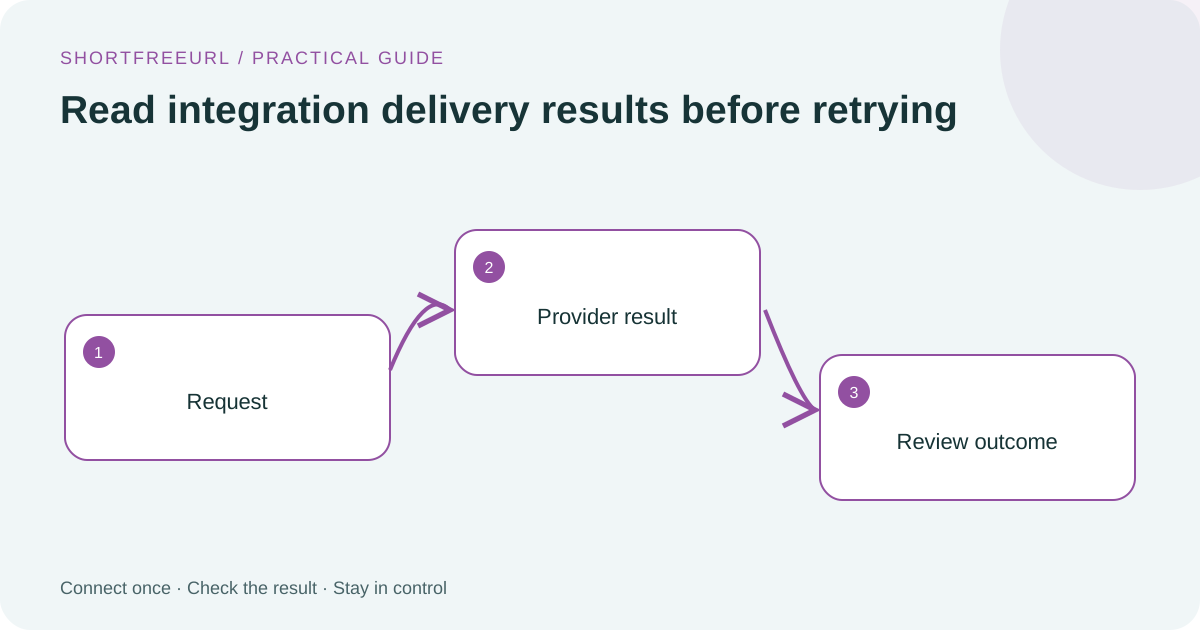
Open the integration’s Deliveries view and identify whether the operation checked a connection, forwarded an ad visit or created an email draft. These actions have different expected results. A list lookup can establish account access without creating a campaign, while an event validation does not establish ad attribution.
Record the time, provider, action and returned status. The admin Integration control screen provides an installation-wide view, while workspace controls apply to that workspace. Keep support reports focused on these fields rather than copying API keys.
Match the repair to the response
Authentication and permission errors call for checking the key, account and required access. A successful HTTP response can still contain a provider error, so the new connectors validate the response body before marking the delivery accepted. Malformed JSON and oversized responses are rejected.
Do not fix a permission error by repeatedly creating new resources. For an email configuration issue, check the verified sender and selected audience first. For advertising, confirm the intended click/view action and the presence of the platform’s click identifier.
Handle uncertainty without duplication
A request may reach the provider before the connection fails. Email draft jobs preserve an uncertain outcome or a needs_review state when part of a multi-step operation succeeded. The returned provider ID is the best starting point for checking the remote account.
Repeating the same link and connection shows the stored operation. This protects against duplicate drafts but does not make network failures disappear. Review the provider’s actual state before creating another campaign. Open the setup and troubleshooting guides.