

Choose between login, an API key and a workflow connection
Match the connection method to your task instead of treating every integration badge as the same capability.
By ShortFreeURL Team · 12 September 2026
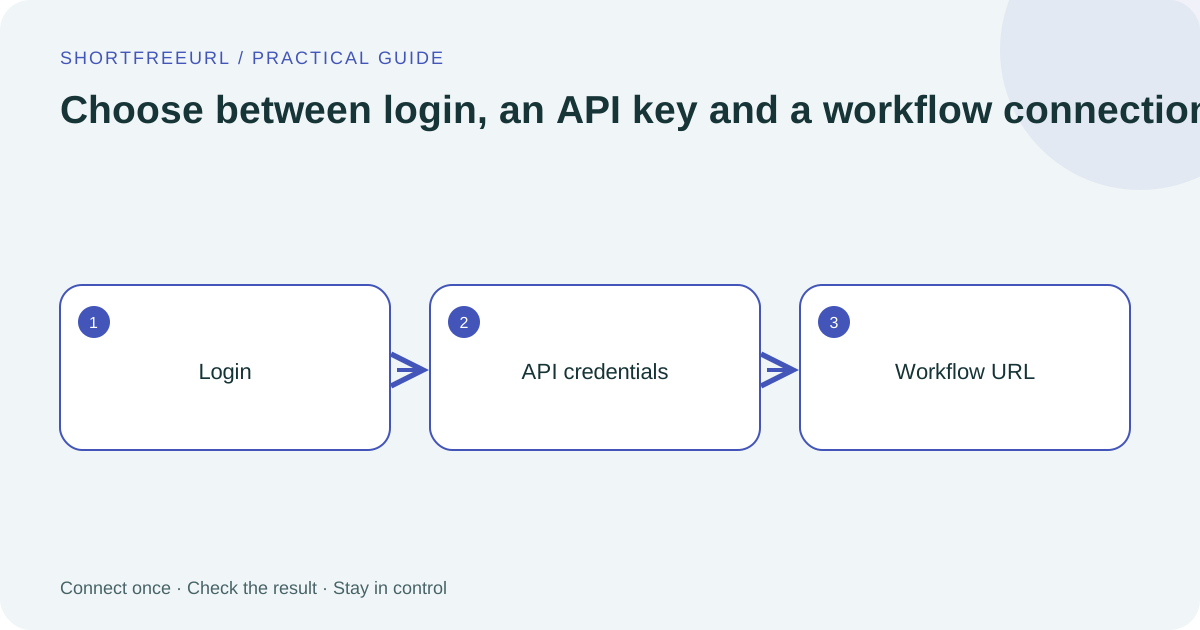
Login delegates account access
A login connection redirects you to the provider’s consent screen. The site administrator first registers the application and callback address. Customers then authorize access to their own accounts. If the card says administrator setup is needed, repeatedly pressing login cannot supply the missing application credentials.
Google Ads now follows this route, with a separate configuration step for the customer and conversion action. Read the requested permissions and select the intended account when several are signed in.
API keys identify an account directly
A key connection is useful when the provider supplies a dedicated token for a narrow action. Obtain it from the provider’s account settings, paste it into the password field and run the available check. A successful save proves storage, not that the provider accepts the credential.
Use Edit setup to rotate the key. Leaving an existing secret field blank keeps its current value; the interface does not return the secret to the browser. Check delivery outcomes after rotation before retiring credentials that another application might still use.
Webhooks start workflows
A workflow connection sends selected events to an incoming HTTPS trigger. The workflow builder handles the next action and its own application login. Pipedream, Activepieces, Zoho Flow, Albato, Tray.io, Latenode and Power Automate now have dedicated setup cards.
Activate the production trigger and map fields from a test payload. A 200 response confirms the receiver accepted the request, not that every downstream step succeeded. Inspect the workflow’s run log as well as ShortFreeURL Deliveries. Compare connection types.