

Prepare a contact card for an event
Adapt the card to the conversations expected at the event.
By ShortFreeURL Team · 11 September 2026
Plan the visitor journey
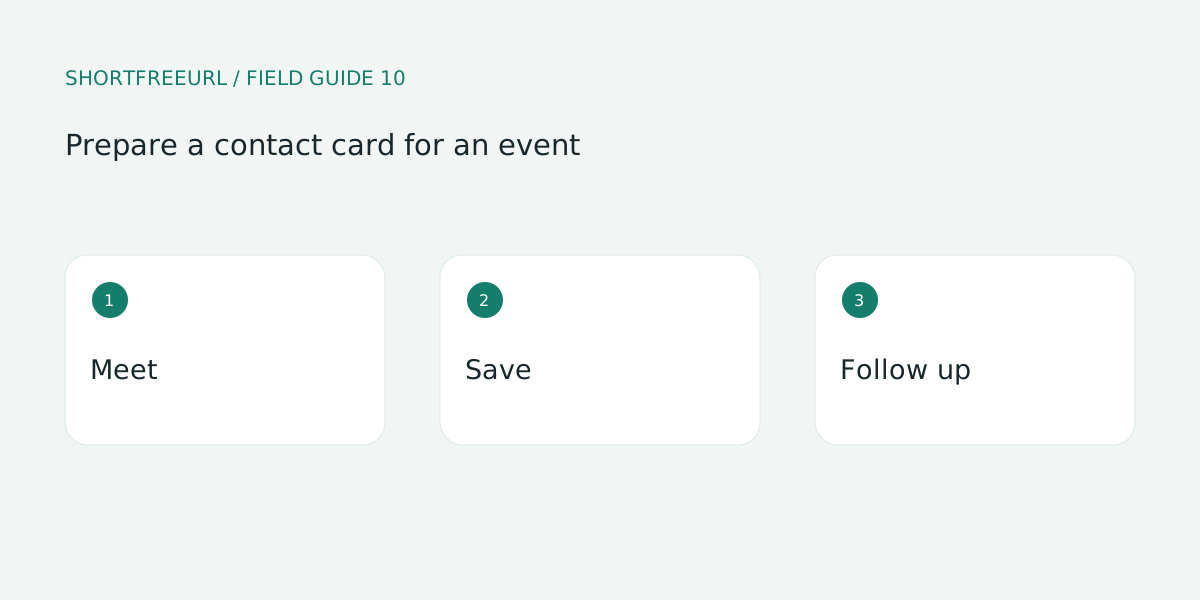
Adapt the card to the conversations expected at the event. Explain your role and offer a relevant resource. A concise introduction often provides more context than an unexplained corporate homepage.
Build and test the details
Test on a mobile connection. Save the QR code for quick access, but remember visitors still need a connection to load the hosted page. Keep a readable address available as a backup.
Review after publishing
Follow up in the context of the conversation. A QR scan does not establish permission for unrelated campaigns. Replace outdated event resources while maintaining a useful destination for people who saved the card.
Try this workflow
Open Pages, preview a template and choose Use template to edit a copy. Replace sample destinations before publishing. Templates, contact details and page analytics are free; custom-domain hosting starts with Starter or the one-time 7-day domain trial.
Save a draft during review, then publish and test each action on a phone. Keep the owner and next review date with your working notes. See current plans for package details.