

Maintain several cards without losing track
Separate personal, company and campaign cards by purpose.
By ShortFreeURL Team · 11 September 2026
Plan the visitor journey
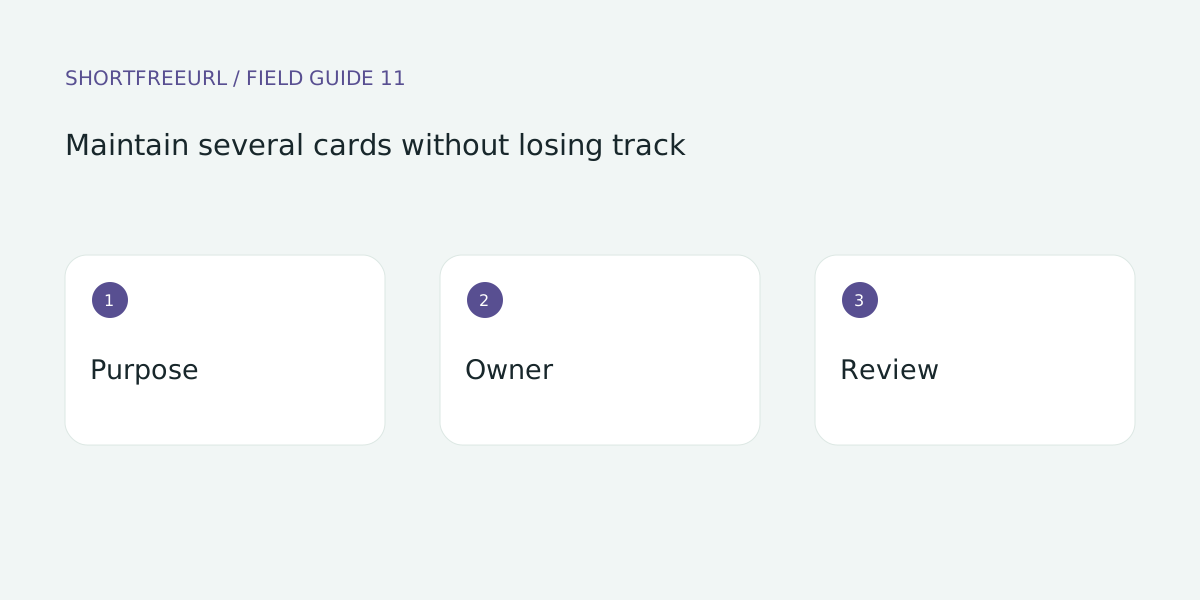
Separate personal, company and campaign cards by purpose. Give each a clear dashboard title so an editor can distinguish them without opening every preview. Identify who is responsible for each page.
Build and test the details
When duplicating a template, replace every identifying detail. Check names, numbers, booking links and images. Publishing a copy too quickly can direct enquiries to another person.
Review after publishing
Keep a review date for each active card. When a teammate leaves, decide whether to update or unpublish it. Compare analytics within the same purpose rather than combining unrelated audiences.
Try this workflow
Open Pages, preview a template and choose Use template to edit a copy. Replace sample destinations before publishing. Templates, contact details and page analytics are free; custom-domain hosting starts with Starter or the one-time 7-day domain trial.
Save a draft during review, then publish and test each action on a phone. Keep the owner and next review date with your working notes. See current plans for package details.