

Downloads and installation
Visual setup guides for ShortFreeURL plugins, SDKs, CLI and the Android app.
Pick your platform below. Each download includes its own setup instructions. Use your actual HTTPS website address in place of the examples.
WordPress plugin
Create a branded link when a post publishes. Includes post status, retry-on-update and saved-link shortcode.
Download the ZIP. WordPress → Plugins → Add New → Upload Plugin → Install Now → Activate.
ShortFreeURL → API: create a dedicated create-only key.
WordPress → Settings → ShortFreeURL: enter the HTTPS website URL, key and branded domain. Enable automatic publishing.
Publish a test post. WP-Cron runs the task; reopen the editor and inspect its ShortFreeURL box. Use [shortfreeurl] to display the saved link.
For an error, check key/domain/plan limits, then update the published post to retry.
Node.js and Browser SDK + CLI
Dependency-free ES module client and command-line tool. Create, list, read and update links through the existing API.
Extract the ZIP to shortfreeurl-client. Node.js 18+ is required for Node/CLI.
Node: import { ShortFreeURL } from "./shortfreeurl-client/index.js"; pass baseUrl and apiKey to the constructor.
Browser: serve index.js as a module and use a public create-only key. Never expose a secret key.
CLI: set SHORTFREEURL_URL and SHORTFREEURL_API_KEY; run node shortfreeurl-client/cli.js create https://example.com go.example.com.
Requests time out and reject redirects. Writes are not automatically repeated. Check uncertain results before retrying.
Python API client
Python 3.9+ client using the standard library, with typed HTTP errors and timeouts.
Extract shortfreeurl.py into your project. No pip dependencies are required.
from shortfreeurl import ShortFreeURL
Construct ShortFreeURL(base_url, api_key); keep your key in environment or secret storage.
Call create_link(originalURL="https://example.com", domain="go.example.com"). Read error.status when a request fails.
iOS SDK (Swift)
Swift Package with asynchronous create-link support for iOS 15+ and macOS 12+.
Extract the ZIP. Xcode → File → Add Package Dependencies → Add Local, then select the extracted folder.
Import ShortFreeURL. Construct the client with your HTTPS baseURL and a publicKey.
Await createLink(destination:domain:slug:). Use a public create-only key in distributed apps.
Build and test in Xcode on your supported Apple devices before distributing your application.
Android SDK (Kotlin)
Small Android client using HttpsURLConnection and org.json. No external SDK dependencies.
Copy ShortFreeURL.kt into your Android application. Add android.permission.INTERNET to the manifest.
Instantiate with an HTTPS baseUrl and public create-only API key.
Call createLink(destination, domain, slug) on a worker thread, not the UI thread.
Catch IOException and display request errors. Keep secret/admin keys off devices.
Android application source
Website-managed Android dashboard shell, with HTTPS-only navigation, session clearing and file chooser.
Install Android SDK platform 36/build-tools 35 or newer and a JDK 17.
Generate your own protected release keystore. Set MS_SIGN_PASSWORD in the build environment.
Run build.ps1 with Jdk, BuildTools, AndroidJar and KeyStore paths. Keep the signing key outside public downloads.
Archive your signing key securely; future updates must use the same signer. Test the APK on your Android devices.
Android APK
Installable signed Android app. Android 8+. Uses your website login and account permissions.
Download the APK to your Android phone. Open it and allow installation from your selected browser/file manager if Android asks.
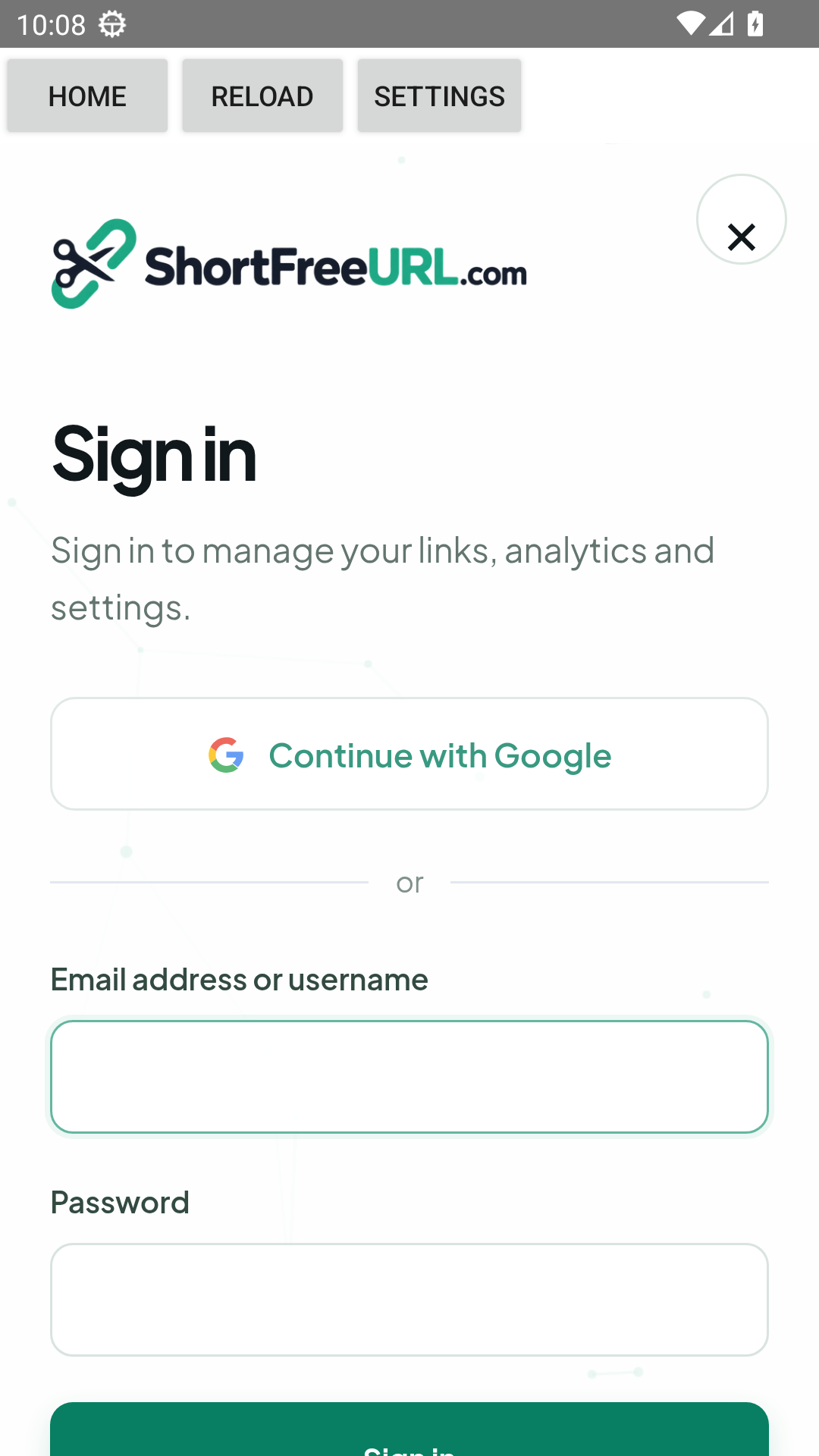
Open ShortFreeURL and enter your public HTTPS ShortFreeURL website URL. localhost on your computer will not work on a phone.
Log in with your customer account to use the website dashboard. Provider logins that require a system browser can be completed in that browser.
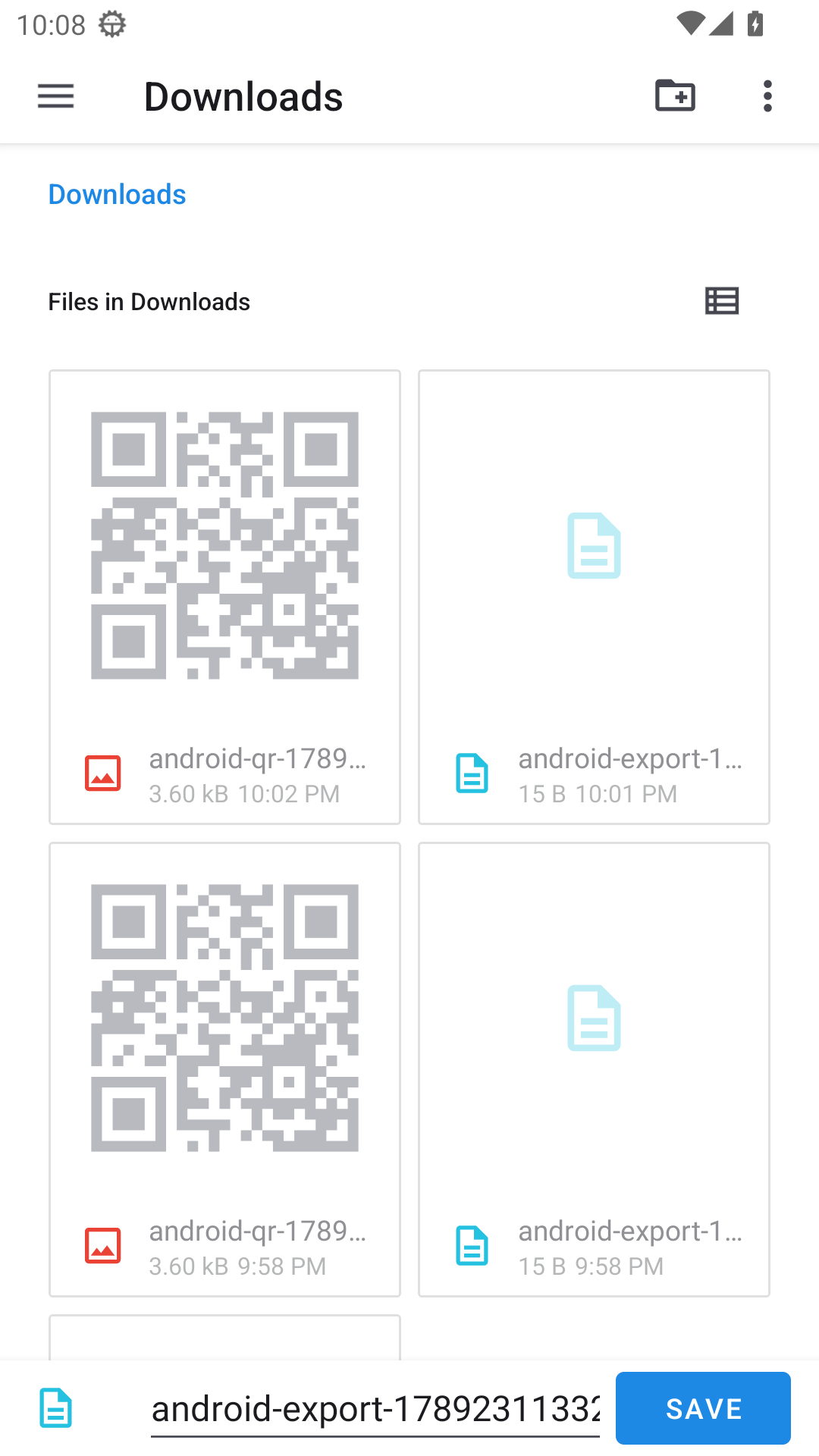
Use Android’s Save dialog for QR images and CSV exports; select documents or multiple images from the upload picker. Home and Reload control the dashboard.
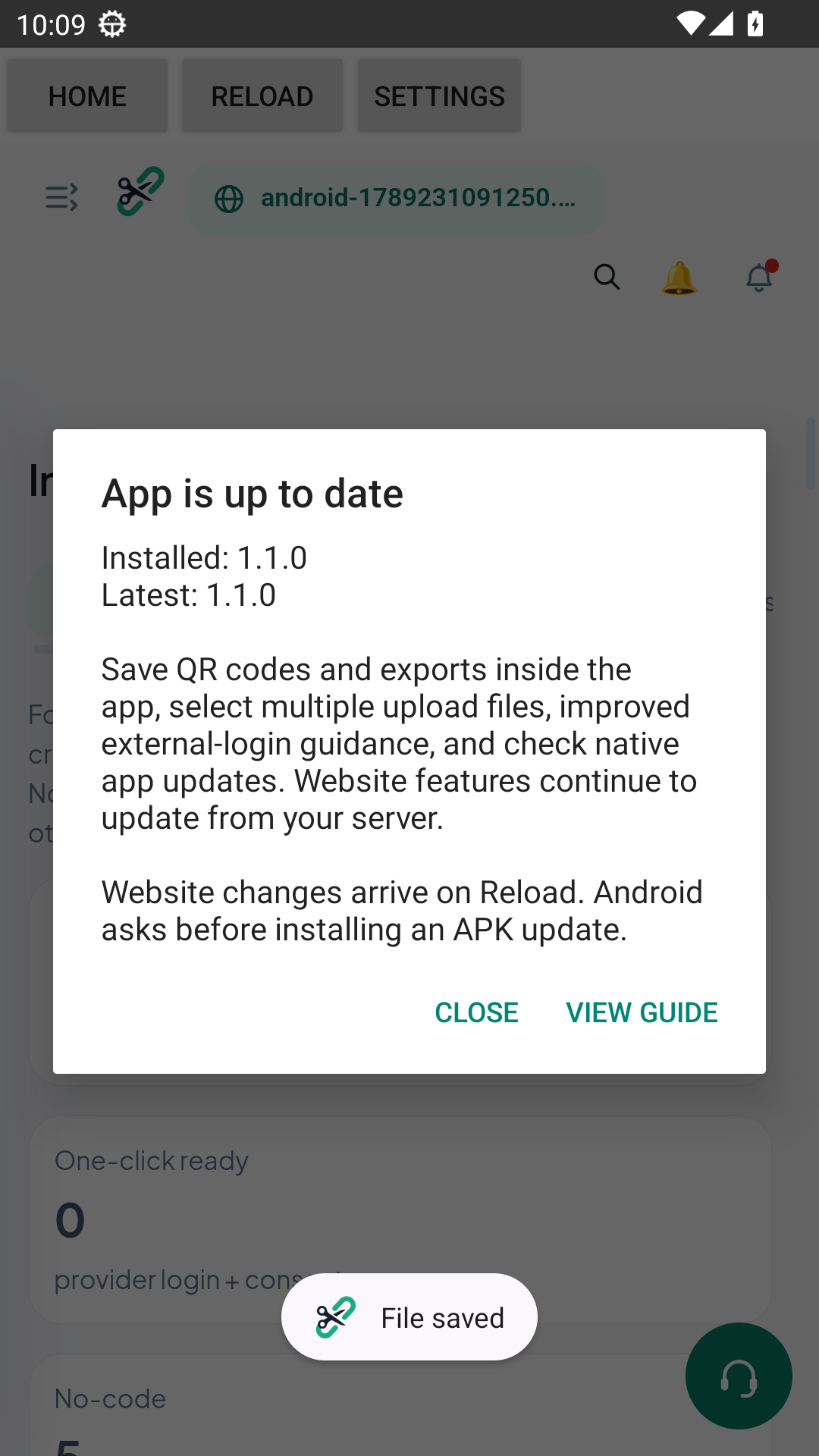
Settings → Check app update shows native release notes. Website changes arrive on Reload; native updates require the newer signed APK. Settings → Change / clear session clears your login.
Android compatibility & installation
Android 8 or newer: use a current Android System WebView/Chrome. One APK supports ARM and x86 phones/tablets; the tested device matrix is available in the source package documentation.
Signed release, one permission: Internet access only. Files use Android’s own chooser. Keep Play Protect enabled. This direct download has not been certified or approved by Google Play; a harmful-app warning needs investigation before installation.
Future updates: what changes automatically?
Website features: once your updated website is deployed, reopen the app or tap Reload. Account permissions and plan changes come from the same server.
Native Android changes: use Settings → Check app update. Download and install the newer signed APK; Android asks before installation. Keep the same signing key for future releases.
Zapier integration project
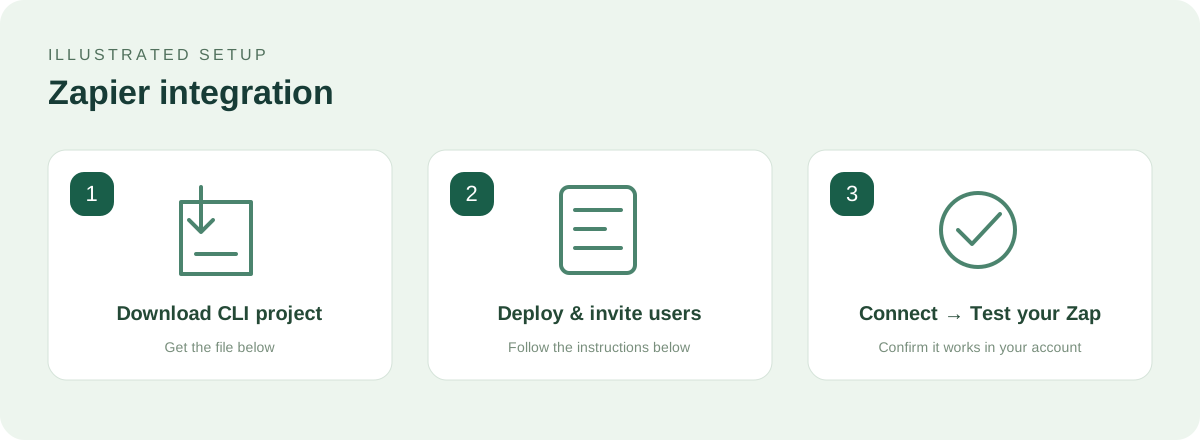
Deployable Zapier CLI project with API-key authentication, New Link polling trigger and Create Link action.
Customers can use Webhooks by Zapier now: custom POST to your HTTPS /api/links, with Authorization and Content-Type: application/json headers. Map originalURL and domain.
To distribute the native Zapier connector, extract this project, install dependencies and use the official Zapier Platform CLI.
Operator: zapier-platform login, register, validate and push the private integration; invite your users from Zapier.
Customer: select the invited ShortFreeURL connector and enter the website origin and a dedicated secret API key.
Test with one link. Public Zapier marketplace listing requires your Zapier developer account and review.
Shopify setup guide
Hosted signed product-webhook connector. Creates one short link per published product.
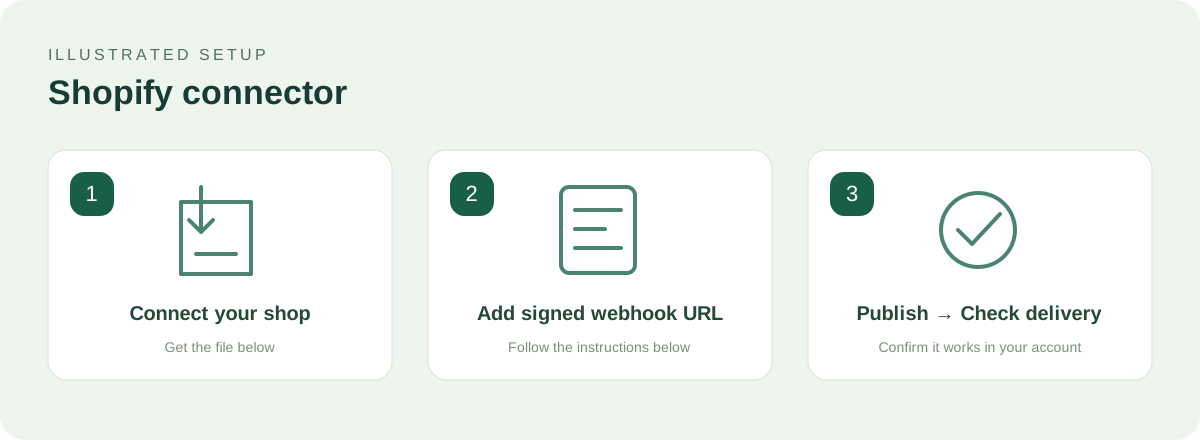
Create/configure your Shopify custom app or webhook subscription and obtain its webhook signing secret.
Connect Shopify in the Connect tab: shop hostname, branded domain and signing secret.
Copy the webhook endpoint shown in the Shopify tab. Configure JSON products/create and products/update deliveries in Shopify.
Publish one product; inspect ShortFreeURL Deliveries and the shopify-tagged link. Draft products are skipped.
Disconnect and remove Shopify subscriptions to stop automation. Public Shopify app distribution is a separate developer-account/review process.