



Google & Meta tracking
Google Ads Data Manager, GA4 Measurement Protocol and Meta Conversions API. Connect accounts and inspect delivery results.
Explore setup →

Follow these steps once. Then new records can become short links automatically.
You need a Help Scout account, one automation service (Make, Zapier or n8n), and a ShortFreeURL workspace with a domain and remaining API allowance. Automation-service fees are separate.
For a cloud workflow, ShortFreeURL must have a publicly reachable HTTPS address with a valid certificate. A localhost URL only works from the same computer; Make or Zapier cannot reach your localhost.
Example use: Create short links for support resources. Choose a record containing a public https:// URL. Keep private-file access permissions unchanged.
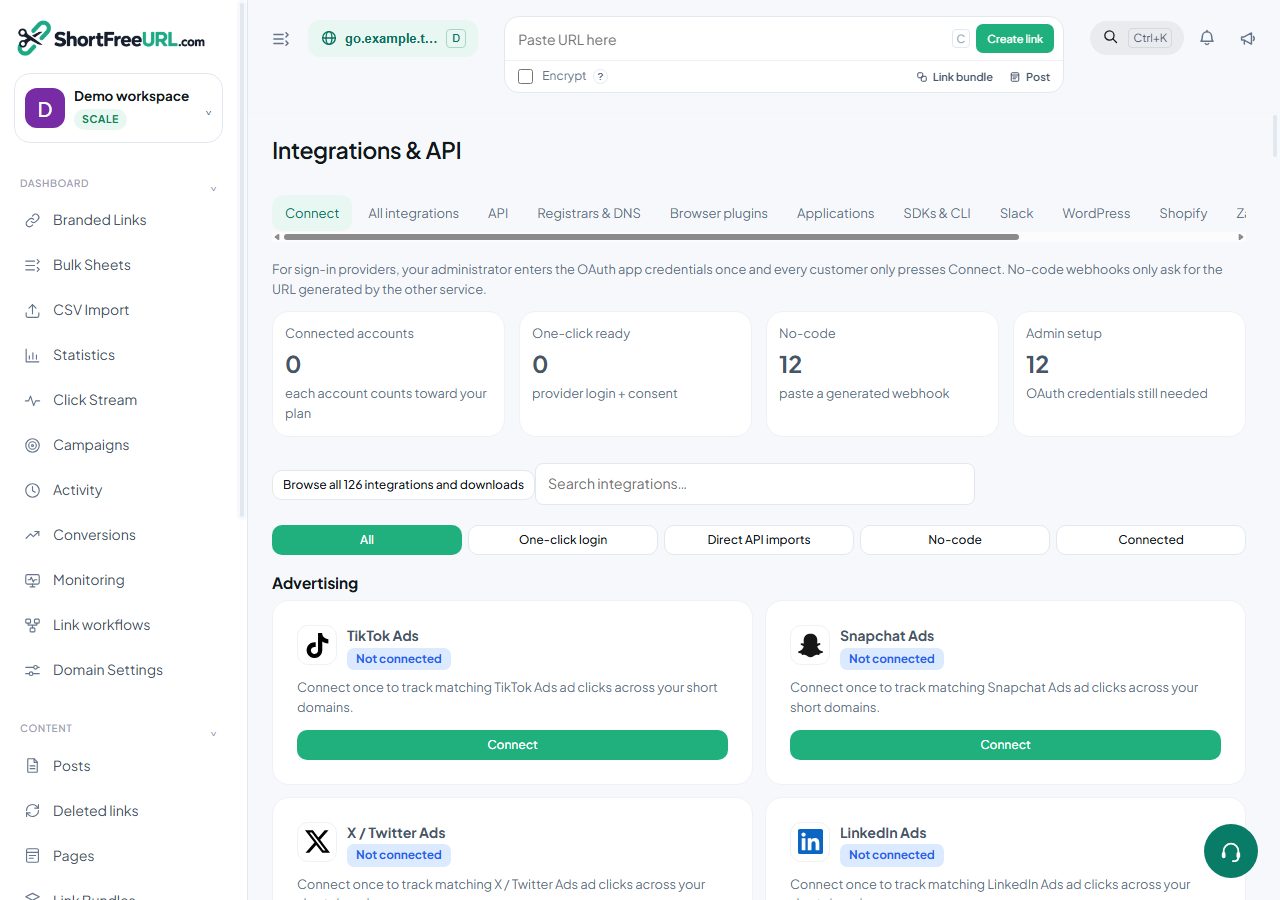
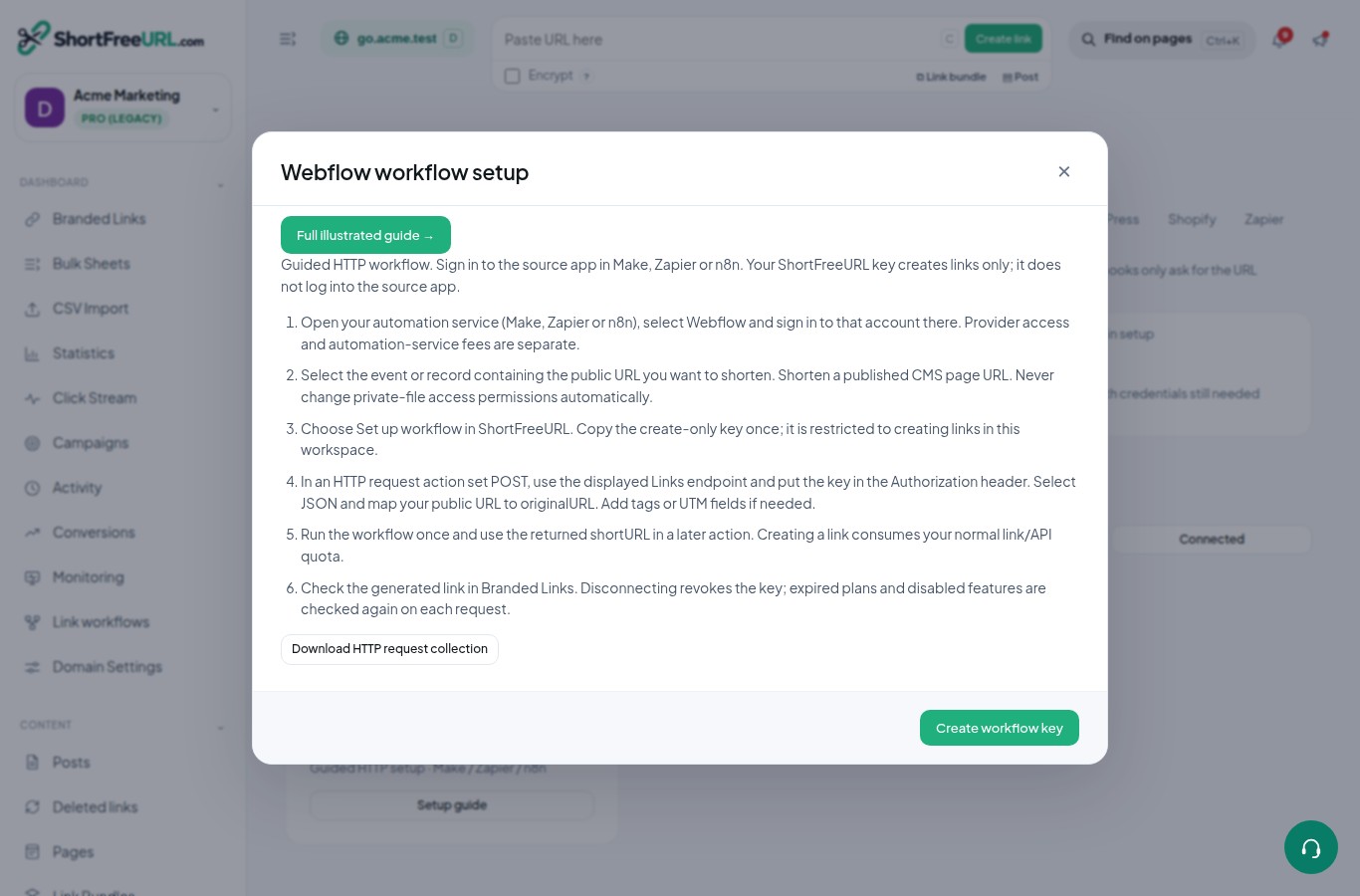
In ShortFreeURL, open Integrations & API, search for Help Scout, and choose Set up workflow. Read the popup, then select Create workflow key.
Copy the key once into your automation service's protected credential storage. Copy the displayed Links endpoint too. Do not put a key in a public page, screenshot, or shared workflow export.
https://YOUR-SHORTFREEURL-HOST/api/linksYour create-only workflow key (secret)Use your own endpoint and credentials. Labels may vary with the automation service version.
Create a new scenario (Make), Zap (Zapier), or workflow (n8n). Add Help Scout as the trigger and sign in there. Choose a new-record event appropriate for your use case, select the account/list/project, then load one test record.
Find the field containing the destination URL. If a native source trigger is unavailable, use a source-supported webhook or scheduled fetch; check that app's permissions and automation plan.
Help ScoutChoose a new record containing a URLPublic URL: https://example.com/articleUse your own endpoint and credentials. Labels may vary with the automation service version.
Follow one service below. Replace every placeholder with your own value. Send the raw workflow key in Authorization; do not add a Bearer prefix.
POSTYour displayed Links endpointAPI key → Header → AuthorizationMap the URL from the triggerYesUse your own endpoint and credentials. Labels may vary with the automation service version.
Your displayed Links endpointjsonURL field from triggerYour workflow keyUse your own endpoint and credentials. Labels may vary with the automation service version.
POSTGeneric Credential Type → Header AuthAuthorizationJSON → originalURL → mapped source URLUse your own endpoint and credentials. Labels may vary with the automation service version.
Equivalent JSON example (map your actual URL):
{"originalURL":"https://example.com/article","allowDuplicates":false}2xxhttps://your-short-domain.example/abc123Use HTTP output → shortURLUse your own endpoint and credentials. Labels may vary with the automation service version.
The response above is an example, not a live test result. Each successful creation uses your normal plan allowance.
Save and enable the scenario, publish the Zap, or activate the n8n workflow. Send one real new record and review execution history. Avoid triggering on the same Short link field your final action updates; add a filter so records with an existing short link are skipped.
To stop, pause the automation and disconnect the specific account in ShortFreeURL. Disconnecting revokes that key. For another account, use Add another account and a separate key.
Ask Support with the provider name, failed step, timestamp and redacted response. Do not include credentials.
Choose the tools you need and see exactly which plan includes them. 72 available integrations, 45 guided workflows and 9 planned listings; planned listings are not working connectors.
Google Ads Data Manager, GA4 Measurement Protocol and Meta Conversions API. Connect accounts and inspect delivery results.
Explore setup →





Snapchat, TikTok, X, LinkedIn, Pinterest and Reddit event connectors. Provider permissions and configuration are required.
Explore setup →


Mailchimp, Brevo and supported email providers: select a list and create a campaign draft from a short link. Review and send in the provider.
Explore setup →




Zapier, Make, Slack, Segment and WordPress. Browser extensions, REST API and SDKs use the same workspace quotas.
Explore setup →



Other app connections and guided HTTP workflows with Make, Zapier or n8n. Follow the full illustrated setup guide.
Explore setup →


Import selected URLs from supported task, form, document and scheduling accounts. API creation allowances apply.
Explore setup →
Connect multiple accounts for the same provider within the plan connection allowance; manage and disconnect each independently.
Explore setup →



Use current dashboard features on Android; download WordPress, SDKs and CLI installation guides. Purchases and API limits remain server-enforced.
Explore setup →
Ask questions about current guides, API setup and plans; follow cited instructions and escalate account-specific problems to Support.
Explore setup →USD monthly prices. Provider subscriptions may cost extra. API-created links consume the plan's automation allowance; website links and automation are separate. Compare full plans.