

What to include on a digital business card
Start with your name, role and company.
By ShortFreeURL Team · 11 September 2026
Plan the visitor journey
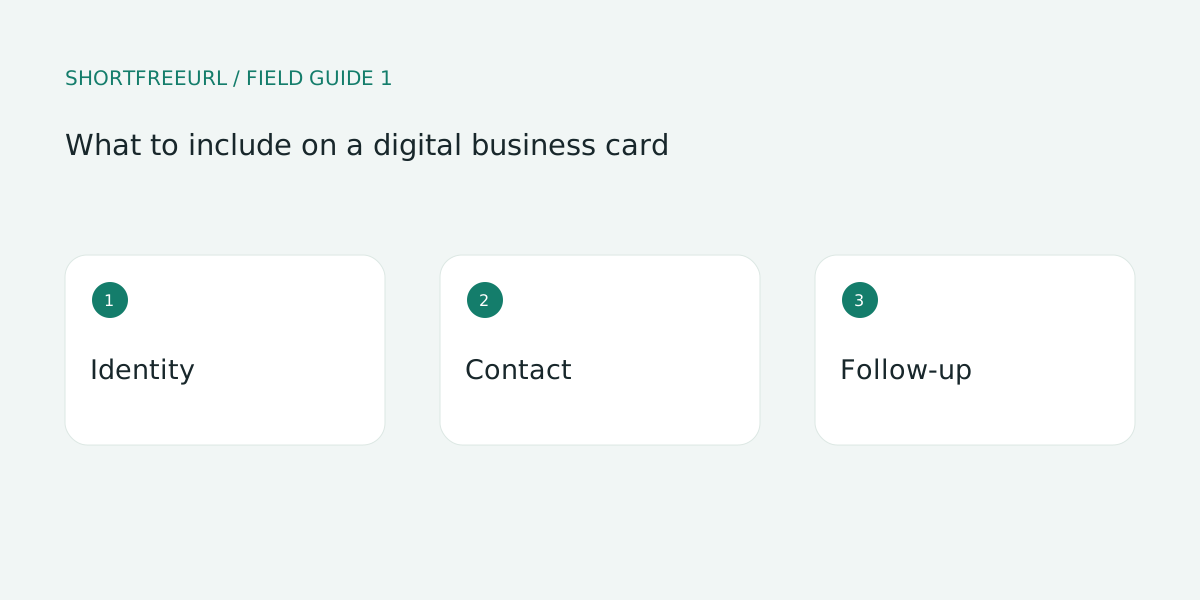
Start with your name, role and company. Use a recognizable portrait, while keeping essential information available as text. Describe the work you do in a sentence that a new contact can understand without knowing your industry terminology.
Build and test the details
Choose contact methods deliberately. Publish a work number rather than a private number, and label a booking link with the kind of meeting it opens. Put an email action beside the call button so a visitor can choose an asynchronous conversation.
Review after publishing
Test the contact download on two phones. Verify the imported name, company, phone and email. Address-book applications can display fields differently, so a successful file download is only the first check.
Try this workflow
Open Pages, preview a template and choose Use template to edit a copy. Replace sample destinations before publishing. Templates, contact details and page analytics are free; custom-domain hosting starts with Starter or the one-time 7-day domain trial.
Save a draft during review, then publish and test each action on a phone. Keep the owner and next review date with your working notes. See current plans for package details.