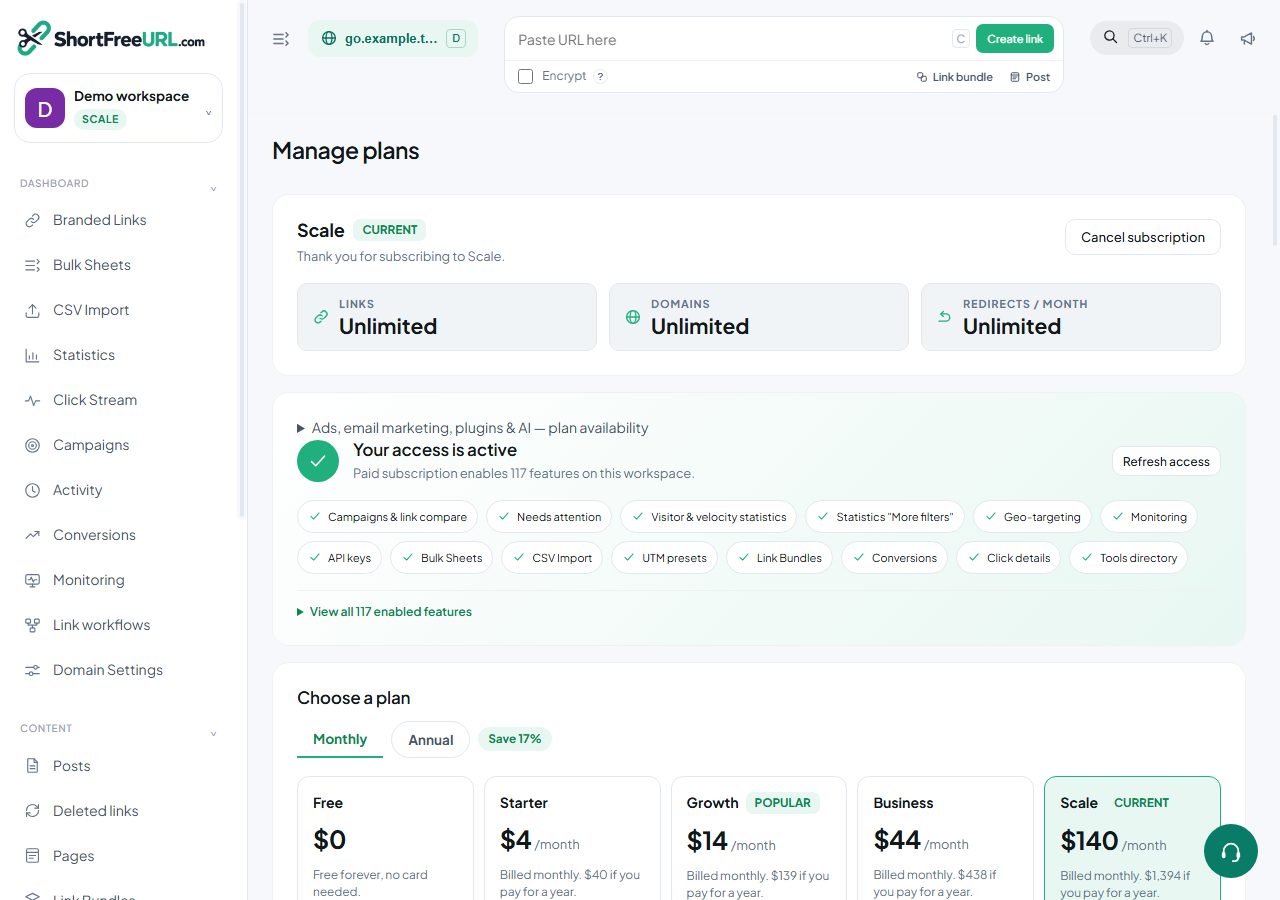
Two things reduce what you pay: choosing yearly instead of monthly, and applying a coupon. They stack.
Checking a coupon before paying
The checkout screen validates a code before charging anything and shows the original price, the discount and the final amount. Validation covers several rules, and the specific failure is reported:
- Coupon not found — the code does not exist or has been deactivated.
- Coupon expired — past its expiry date.
- Coupon fully redeemed — the total number of uses has been reached.
- Does not apply to this plan — the coupon is restricted to a different plan.
- For a different currency — the coupon is denominated in the other currency. This one surprises people: a code shared by a colleague in another country may not be usable by you.
- Already used — your organization has used it as many times as it allows.
Coupons discount either a percentage or a fixed amount. A fixed-amount coupon never takes the total below zero.
A coupon that covers the full amount
If the discount brings the total to zero, the plan activates immediately without a gateway round trip, and a zero-value payment and invoice are recorded so the history stays complete.
Annual billing
Yearly billing charges once for twelve months and sets the period end twelve months out. Monthly sets it one month out. Whether yearly is offered at all is an instance setting, so if you do not see the option it has been turned off rather than hidden from you.
Switching between monthly and yearly happens at renewal rather than mid-period.
Price changes
Prices are stored per plan and per currency on the instance. A change applies to new payments; a subscription already paid for runs to the end of its period at the price you paid. The pricing page always shows current values in your currency, which is the number to trust.
Trials
A plan can carry a trial period, shown on the pricing page when one is configured. During a trial the plan's features are available; at the end, the account falls back to Free unless a payment has been made — links keep working, gated settings stop being applied.
Find this in your dashboard
- Sign in and select the workspace and domain you want to manage.
- Open Subscription. Review the article’s steps and your plan’s available controls.
- Save your changes, reopen the record and verify the saved result. For routing changes, check the short link with a test visit.