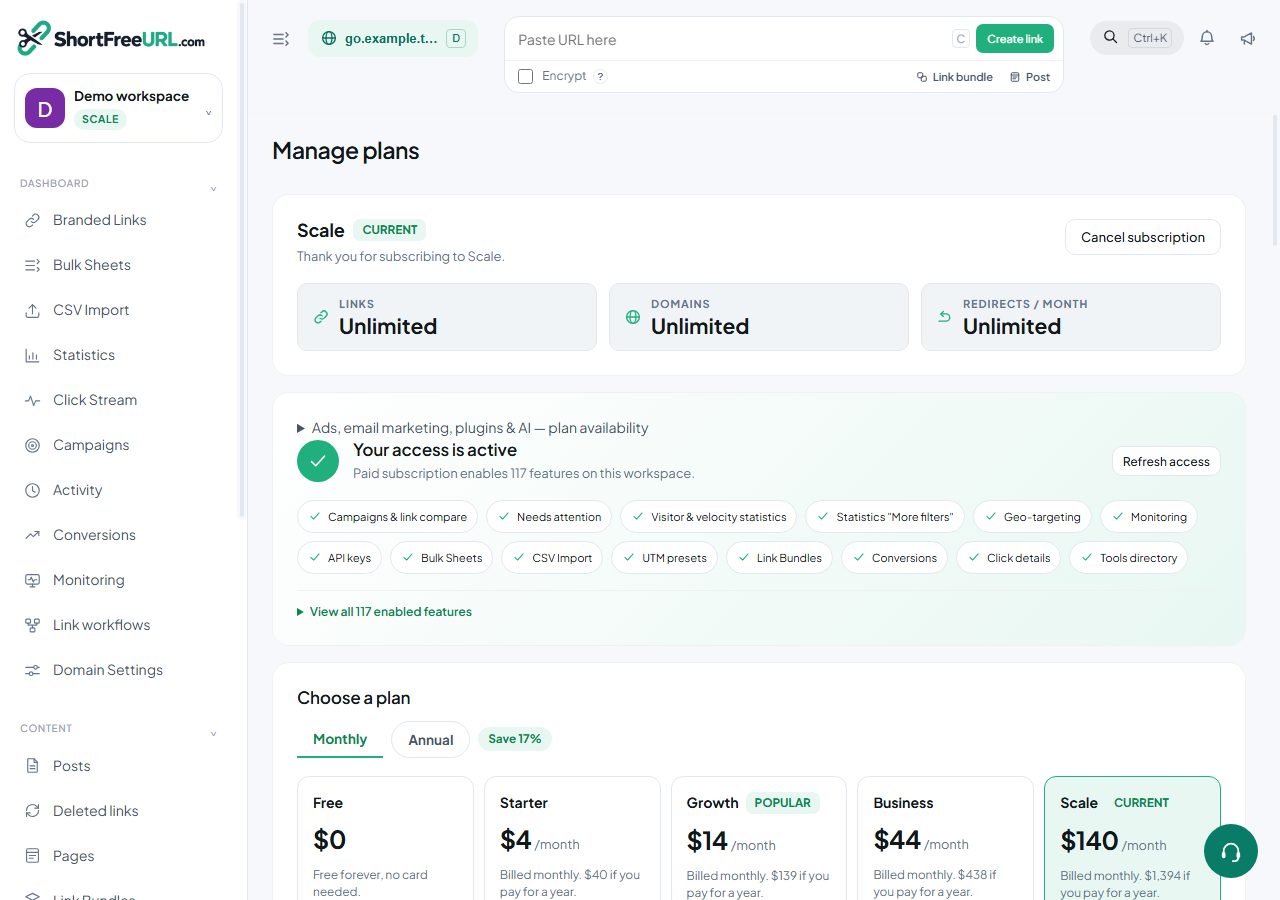
Limits are enforced at the moment of the action rather than by a background job, so you always find out at the point where you can do something about it.
The limits
- Team members — how many people can be in the organization.
- Branded links — total links, counted for the lifetime of the account rather than per month.
- Custom domains and free subdomains — separately counted.
- Automation / API links — links created through the API, counted separately from the total.
- Tracked clicks per month and conversions per month — reset monthly.
- Folders, storage, and an AI budget in cents per month.
- API rate limit in requests per second, per key.
- Data retention in days.
Current values for your plan are shown in Billing and on the pricing page. They are configured per instance, so do not hard-code them in an integration.
What happens at each
Creating a link over the link limit fails with a message naming the limit rather than a generic error, so an integration can report it usefully. Creating one over the API link limit fails the same way, even if you are under the total link limit.
The conversions endpoint returns 402 with an upgrade flag when the monthly conversion allowance is exhausted. Clicks over the monthly tracked-click limit still redirect — redirects are never the thing that breaks — but reporting on the excess is not guaranteed.
Exceeding the API rate limit returns 429. AI features stop when the monthly AI budget is spent and resume the following month.
Retention
Click rows older than the retention window age out. Retention is the limit that costs you something irreversible, because a link you could not create is a minor annoyance and a month of click history you no longer have is gone. If you are on a bounded window and the history matters, schedule an export.
Watching usage
Billing shows current usage against each limit for the period. Check it before a campaign rather than during one: discovering the monthly click allowance on the morning of a launch is an avoidable kind of bad day.
Reducing usage
Delete or auto-delete generated links you no longer need, exclude your own office IPs from click recording, and set the robots policy so preview bots do not consume click limits.
Find this in your dashboard
- Sign in and select the workspace and domain you want to manage.
- Open Subscription. Review the article’s steps and your plan’s available controls.
- Save your changes, reopen the record and verify the saved result. For routing changes, check the short link with a test visit.