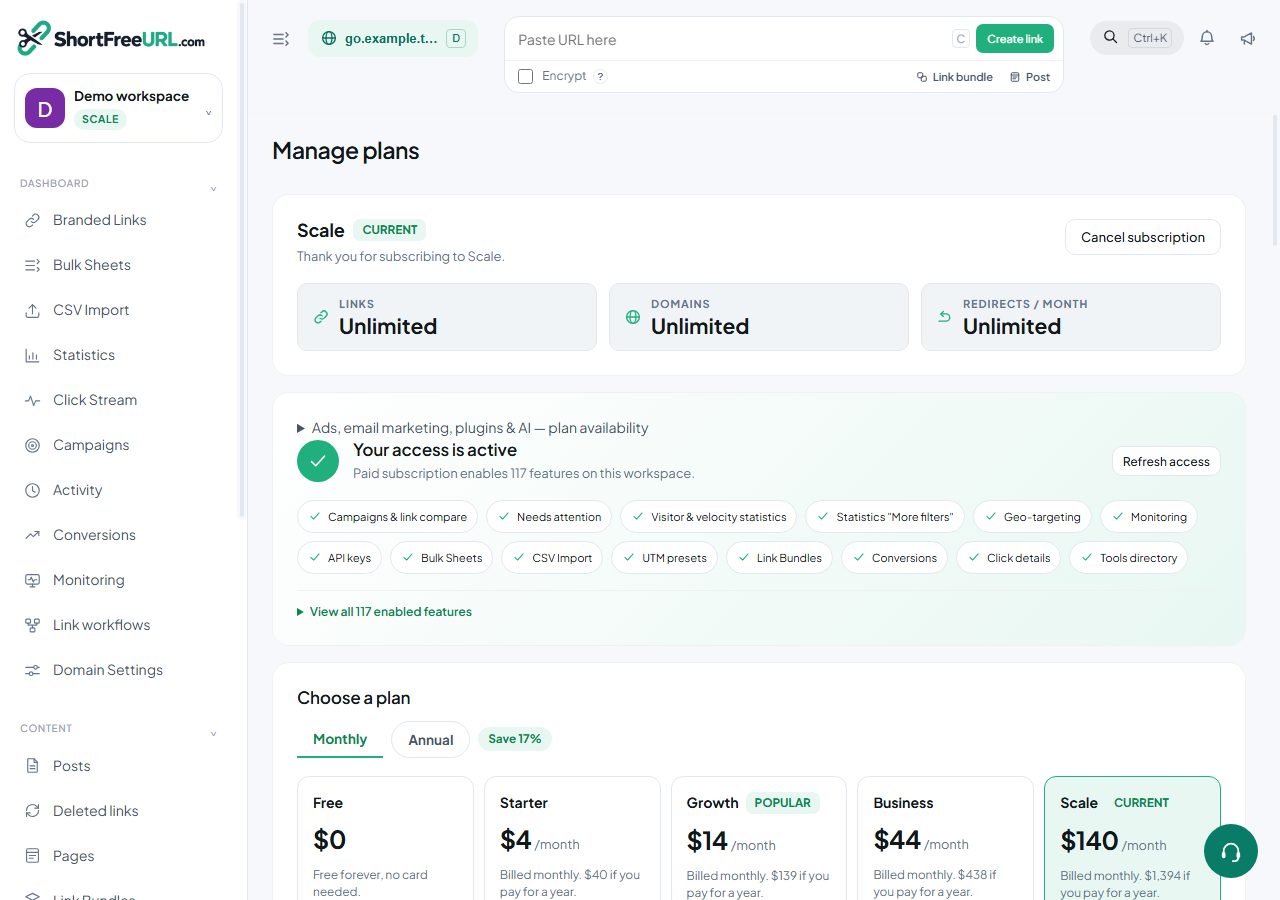
Upgrading takes effect immediately on payment. There is no provisioning step and no waiting for a sales conversation.
Currency
Indian customers are billed in INR and everyone else in USD. The currency is resolved from your organization's billing country first, then the location of the request, then the browser's language settings. Set the billing country in Organization settings if the automatic choice is wrong — it affects both the currency and the tax treatment on the invoice.
Prices for both currencies are shown on the pricing page, monthly and yearly.
Paying
Checkout is handled by the payment gateway. INR payments support UPI, netbanking, cards and wallets; USD payments are by card. You are returned to the dashboard when the payment completes, and the plan is active by the time you land.
Only owners and admins can start a checkout. A user or readonly member sees the upgrade prompt but cannot complete it, which is deliberate — billing is not a role you want to be implicit.
What changes on upgrade
Every feature of the new plan unlocks at once across the organization, for every domain and every member. The "Powered by ShortFreeURL" badge is removed from visitor-facing pages on all your domains automatically. Plan limits are lifted.
Settings you tried to save while on Free are not restored retroactively. Gated fields are stripped at write time, so a geo rule you attempted to save on the free plan was never stored. Re-enter them after upgrading. The save response names the dropped features at the time, which is why it is worth reading.
Monthly or yearly
Yearly is billed once for twelve months at a lower effective rate. Monthly renews each month. Both can be changed at renewal.
Coupons
A coupon code is applied at checkout, and the discounted total is shown before you pay. A coupon that covers the whole amount activates the plan immediately without a gateway round trip. Coupons can be limited to a plan, a currency, a number of total uses and a number of uses per organization, so a code that worked for a colleague may legitimately not work for you.
Receipts
An invoice is issued on every successful payment and is available under Billing.
Find this in your dashboard
- Sign in and select the workspace and domain you want to manage.
- Open Subscription. Review the article’s steps and your plan’s available controls.
- Save your changes, reopen the record and verify the saved result. For routing changes, check the short link with a test visit.