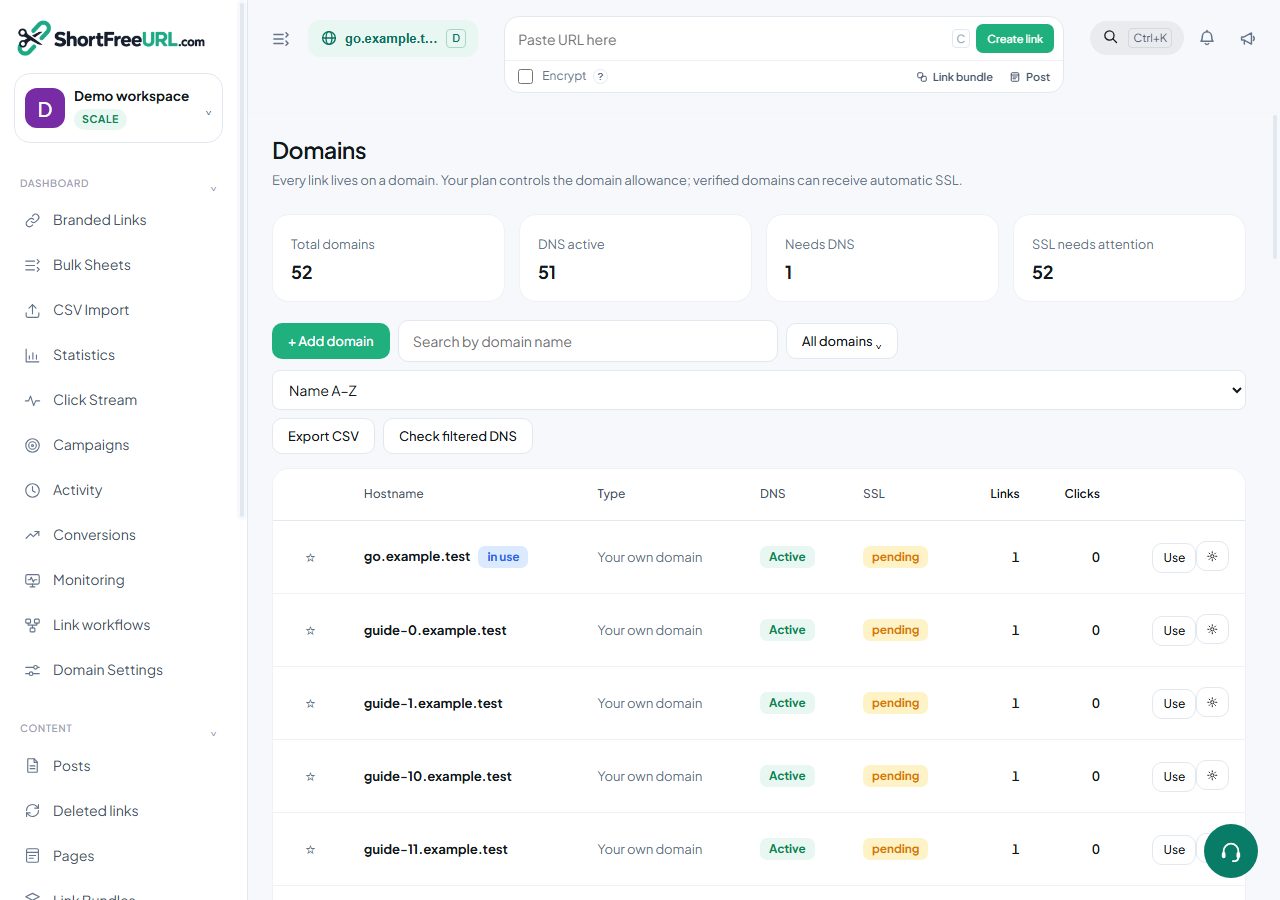
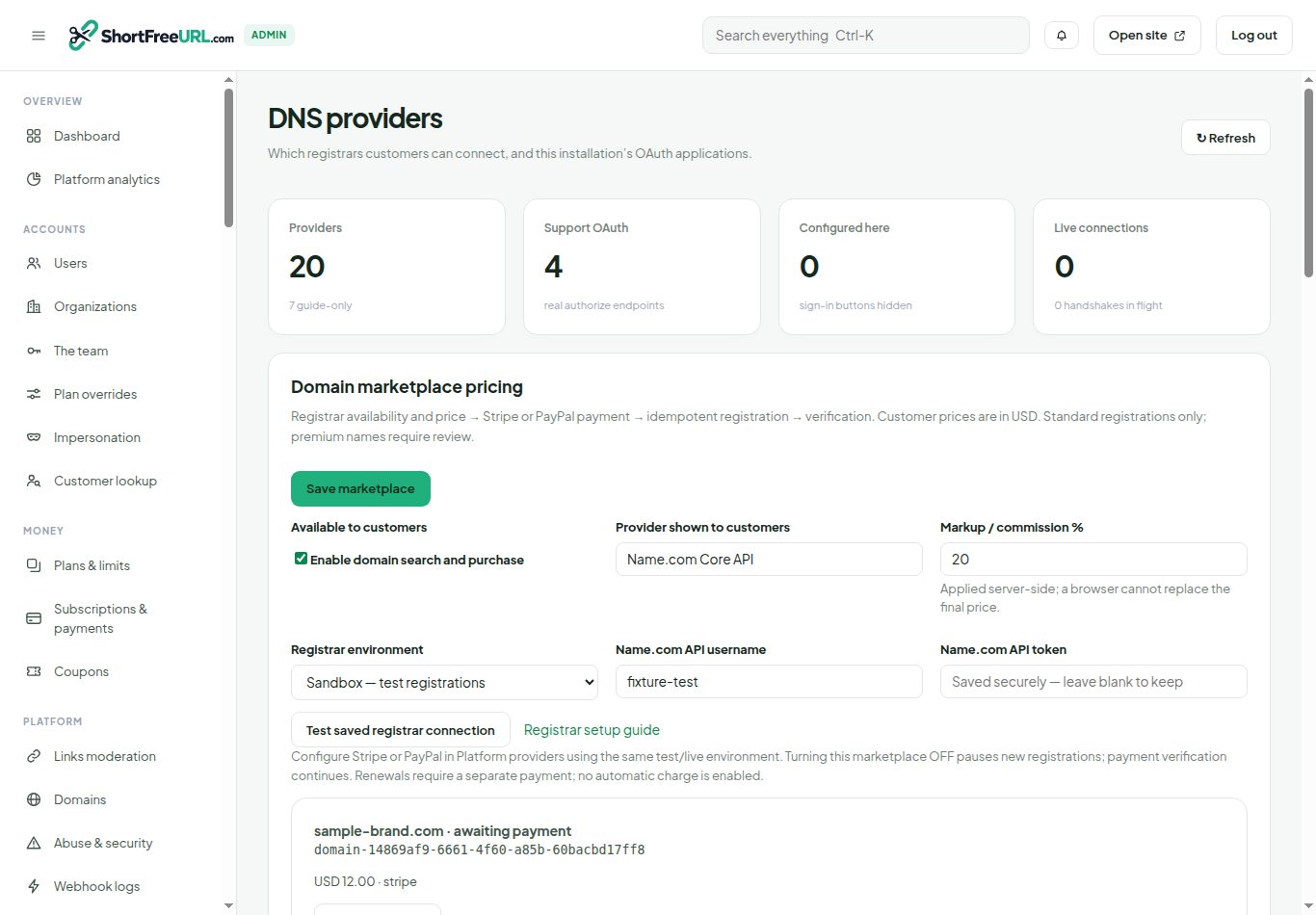
1. Administrator: connect the registrar
Open Admin → DNS providers → Domain marketplace pricing. Select Sandbox, enter the Name.com API username and token, choose your percentage margin, and save. Test the saved connection. The token is encrypted and never returned to the browser. Configure Stripe or PayPal in Platform providers using the same test/live environment as the registrar.
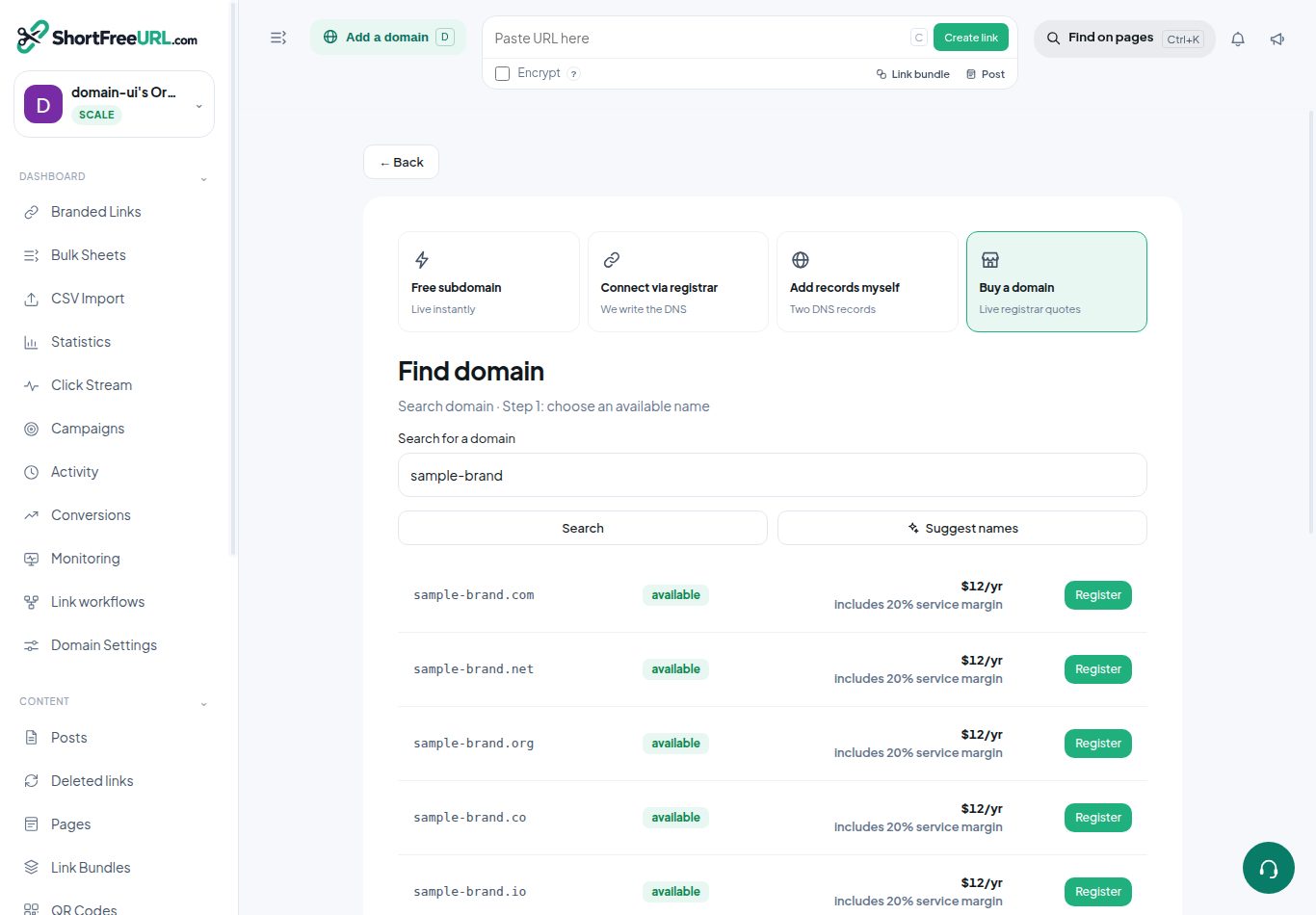
2. Search current registrar availability
Open Add Domain → Buy a domain. Search a brand or full domain name. Availability and prices come from Name.com; local database absence is never treated as proof of availability. Standard one-year registrations are supported. Premium names and registry-specific requirements may need support. Quotes expire after ten minutes. Prices are in USD and include the displayed operator margin.
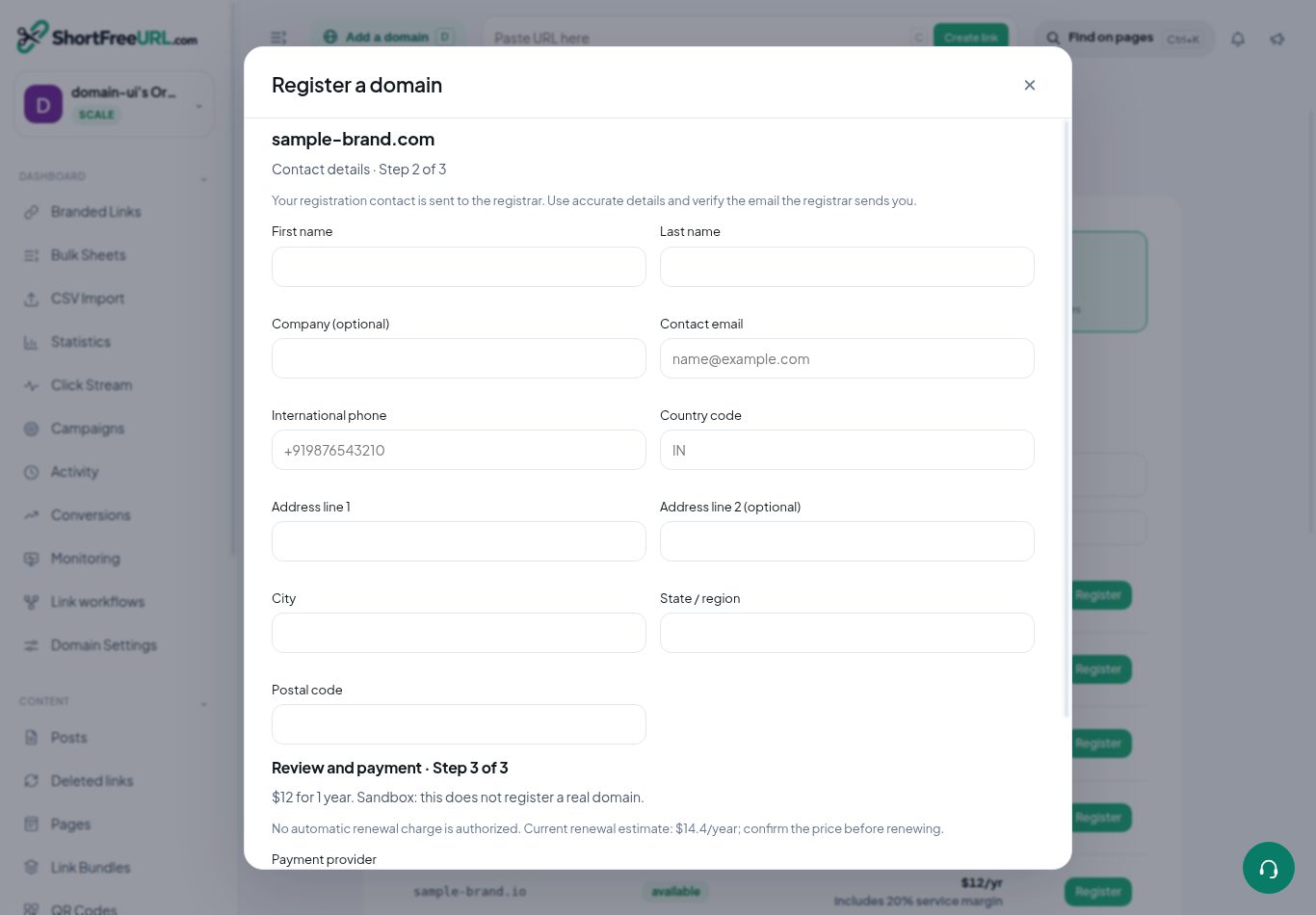
3. Supply accurate registration contacts
Select Register and fill in the contact form. Use a two-letter country code and an international phone number beginning with +. Review the contact-sharing consent and registrar agreement. The registrar may email you to verify the registrant contact.
4. Pay through the configured provider
Choose Card / Stripe or PayPal. Continue to secure payment opens the provider checkout. Card details are handled by the payment provider. The application rechecks the quote before checkout, then independently retrieves payment status, amount, currency and order references. A browser return URL cannot mark an order paid. Registration does not change your subscription plan.
5. Verify registration and finish DNS
Open Purchased Domains. Use Verify payment / registration to refresh an order; the scheduled Domain order verification job also processes it. A confirmed registrar purchase must pass a separate domain lookup. Live registrations create a domain with DNS pending, and attempt to add the required A and CNAME records without replacing conflicting records. Complete DNS setup selects that domain and opens its configuration. Public DNS and SSL readiness remain separate checks. Sandbox orders are labelled and do not create real domain entries or real revenue.
6. Recover failed or uncertain orders
Administrators see order state, error and Verify / retry order in DNS providers. Requests use a durable lease and the same registrar idempotency key. Confirmed price or availability changes before registration produce Refund verified payment. Refunds remain pending until the payment provider confirms success. An uncertain registrar response requires verification; the system does not assume it failed and refund a potentially registered domain.
Renewals and operator controls
This checkout purchases one year. It does not authorize recurring charges. Contact support before expiry to arrange renewal; no local-only auto-renew switch claims that a registrar renewal has been scheduled. Turning the marketplace OFF stops new registrations while payment verification remains available. Live registration requires a funded registrar account, configured payment credentials and a correct public redirect IP. Never enable live registrar credentials together with test payment credentials.
API example
Create a quote using GET /api/domains/search?q=yourbrand. Then POST /api/domains/checkout as a workspace owner or administrator with quoteId, gateway, consent:true and registrant fields: firstName, lastName, address1, city, state, zip, country, email and phone. Optional fields are companyName and address2. Use the returned checkoutUrl; ignore any client-calculated amount. Read orders using GET /api/purchased-domains and verify one using POST /api/domains/orders/{id}/verify.
Name.com integration guide · Registration API
Find this in your dashboard
- Sign in and select the workspace and domain you want to manage.
- Open Domains. Review the article’s steps and your plan’s available controls.
- Save your changes, reopen the record and verify the saved result. For routing changes, check the short link with a test visit.