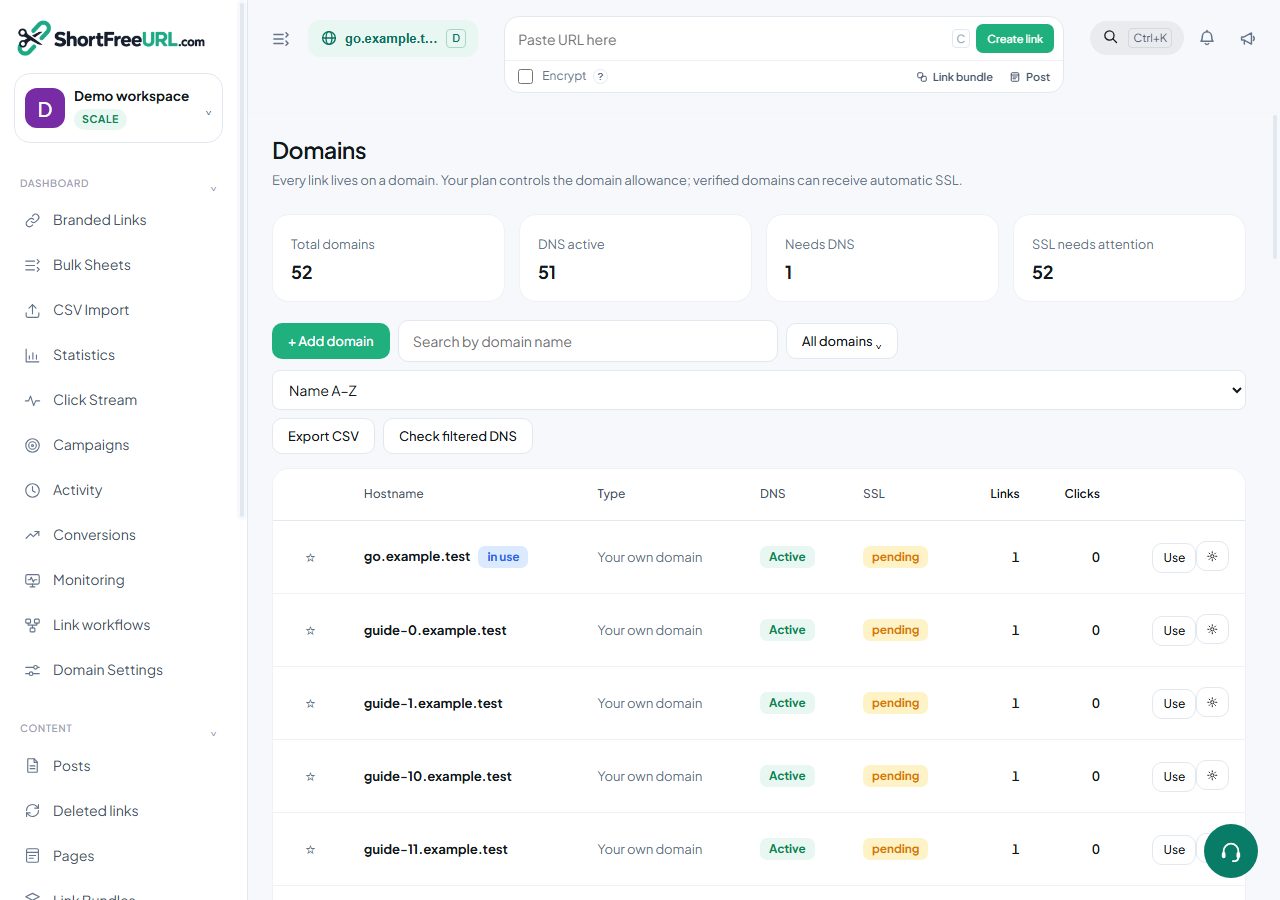
Domain settings, Redirects, holds the behaviour that applies to every link on the domain, plus the handful of paths that are not links at all.
Main page redirect and 404 redirect
The main page redirect is where https://go.example.com/ sends someone. Set it to your website. Without it, the bare domain shows the themed not-found page, which looks broken to anyone who trims a link back to its domain out of curiosity.
The 404 redirect catches every slug that does not exist — deleted links, typos, links from a shortener you have since left. Point it at a page that helps, such as your homepage or an offers page. Set this before you delete links in bulk.
Subpath rules
A subpath rule sends a whole path somewhere else before slug lookup happens:
blog   →  https://blog.example.com     301
docs   →  https://example.com/help     302
Rules are matched in order and can match either the exact path or, when the prefix option is set, everything beneath it. They are useful when a branded short domain doubles as a vanity host for a couple of real sections.
Protocol handling
HTTPS level decides what happens to a plain HTTP request: keep the visitor's protocol, upgrade to HTTPS, or upgrade and send an HSTS header. Upgrade is the sensible default. HSTS is a commitment — browsers remember it — so turn it on only if the domain will always be HTTPS.
Redirect type
The domain-level default status code is inherited by every new link, and can be overridden per folder and per link. 302 is the right default for marketing links: the browser asks every time, so click counts stay accurate and destination changes take effect immediately.
Two switches worth understanding
- Referrer hiding replaces the original referrer with your short domain, so the destination sees the short link rather than the page the visitor came from.
- JavaScript redirect serves a small HTML page that redirects with JavaScript instead of an HTTP redirect. It changes how some analytics tools attribute the visit, and it is slower, so use it only when you need that behaviour.
The Danger zone at the bottom holds domain transfer, statistics deletion, bulk deletion of old links and domain deletion. All four are irreversible.
Find this in your dashboard
- Sign in and select the workspace and domain you want to manage.
- Open Domains. Review the article’s steps and your plan’s available controls.
- Save your changes, reopen the record and verify the saved result. For routing changes, check the short link with a test visit.