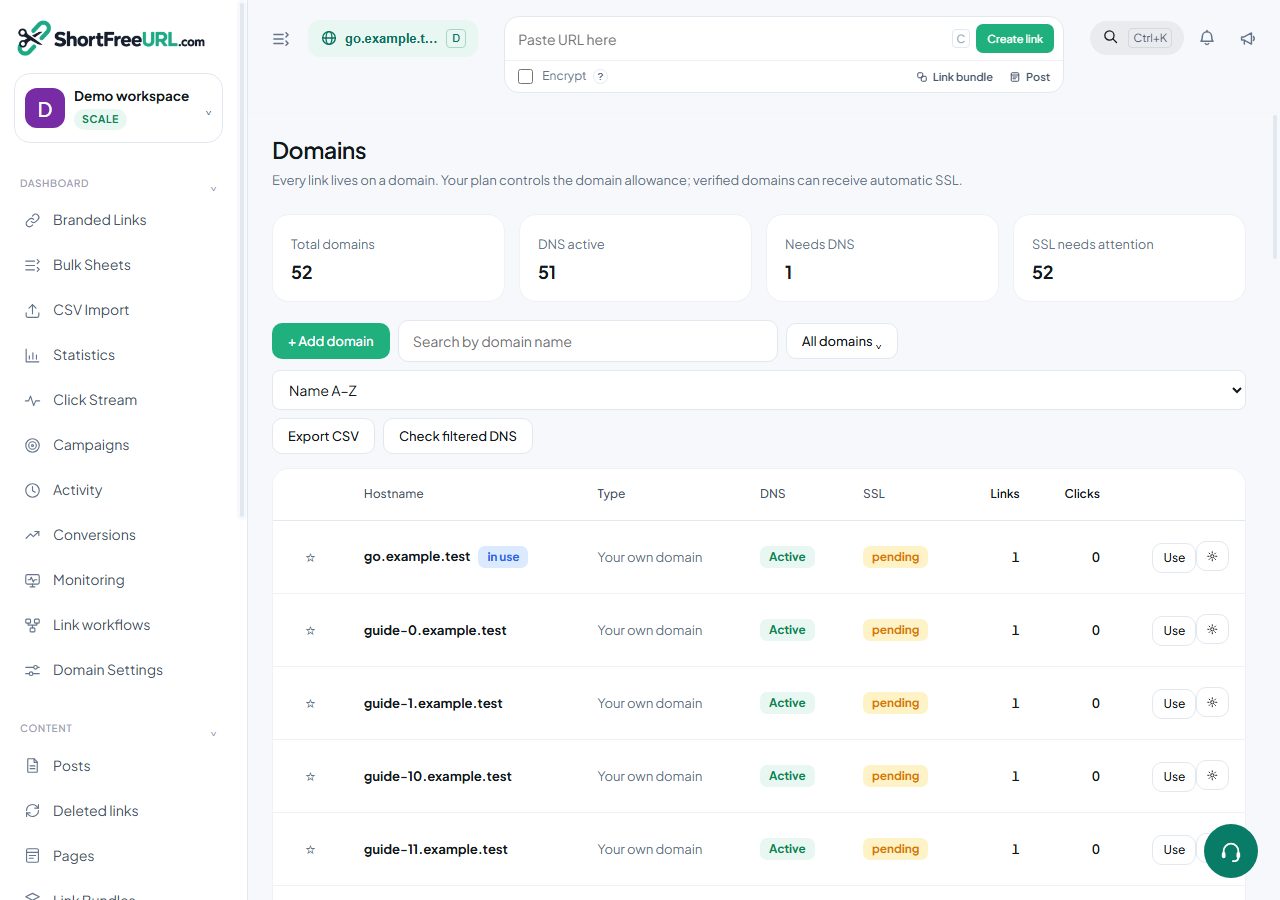
If your DNS is hosted somewhere with an API, connect the account once and adding a domain becomes a single click instead of a copy-paste exercise in another tab.
What a connection does
Under Integrations, Registrars and DNS, connect an account with an API token. From then on, adding a domain hosted at that provider writes both records — the A record and the www CNAME — over the provider's API, then re-checks DNS for you. Credentials are encrypted at rest and never returned to the browser; the dashboard only ever sees the provider name, your label, the domain count and whether the connection still works.
Providers
The provider list is shown in the dashboard, and each entry is marked either automatic or guide. Automatic providers sign in and write the records. Guide providers get step-by-step instructions for that specific control panel, because their API either does not exist or does not expose record writing.
Working with a connection
- Refresh re-lists the domains in the account, which is how a newly registered domain appears.
- Attach connects one of those domains and writes its records.
- Push rewrites the records for a domain that has drifted — useful after someone edits DNS by hand.
- Disconnect removes the stored credentials only. Domains already connected keep working, because the records live at the provider, not here.
Buying a domain instead
The domain search buys a domain in-app across a set of common TLDs, priced in USD or INR depending on your billing country. A purchased domain is created already active with its records recorded, so there is no DNS step at all. It appears under Purchased domains, where auto-renew can be toggled.
Which approach to choose
If you manage one or two domains and rarely change them, adding the records by hand is fine and gives you a clear audit trail in your own DNS panel. If you run many campaign domains, or people outside your infrastructure team add domains, connecting the account removes an entire class of support ticket: the wrong record type, the trailing dot, the record added to the wrong zone.
Find this in your dashboard
- Sign in and select the workspace and domain you want to manage.
- Open Domains. Review the article’s steps and your plan’s available controls.
- Save your changes, reopen the record and verify the saved result. For routing changes, check the short link with a test visit.