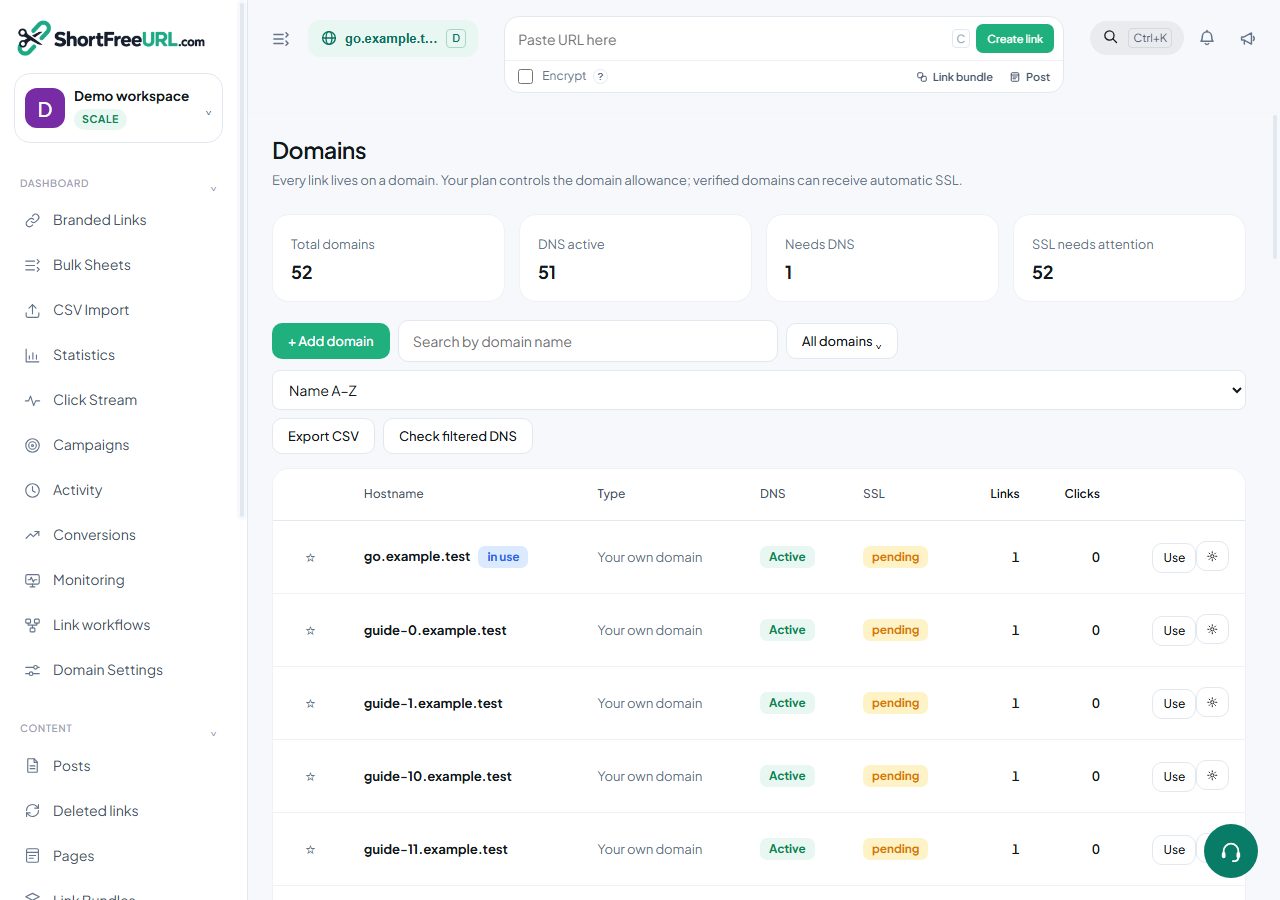
- Add an A record for your host pointing at the redirect IP shown in the dashboard.
- Add a CNAME for www pointing at the CNAME target.
- Press Refresh. The state moves from Not configured, through Extra records, to Active.
- SSL is issued automatically once DNS resolves. If SSL is stuck, the cause is almost always a stale AAAA record or a CAA record blocking issuance.
- Do not point an apex domain that already serves your website at the redirect IP — use a subdomain instead.
Find this in your dashboard
- Sign in and select the workspace and domain you want to manage.
- Open Domains. Review the article’s steps and your plan’s available controls.
- Save your changes, reopen the record and verify the saved result. For routing changes, check the short link with a test visit.