- Cloaking shows a blank page: the destination sends X-Frame-Options or a frame-ancestors policy. Turn cloaking off for that link.
- A click-limited link ran out early: preview bots consumed clicks. Set the robots policy to "Don't follow short links".
- The social preview is wrong: the platform cached it. Re-scrape with the platform debugger or add a harmless query parameter.
- Region rules are not firing: city and region data is less reliable than country, especially on mobile networks. Always set a default.
- An encrypted link stopped working: the fragment after # is the key. Without it the link cannot be recovered.
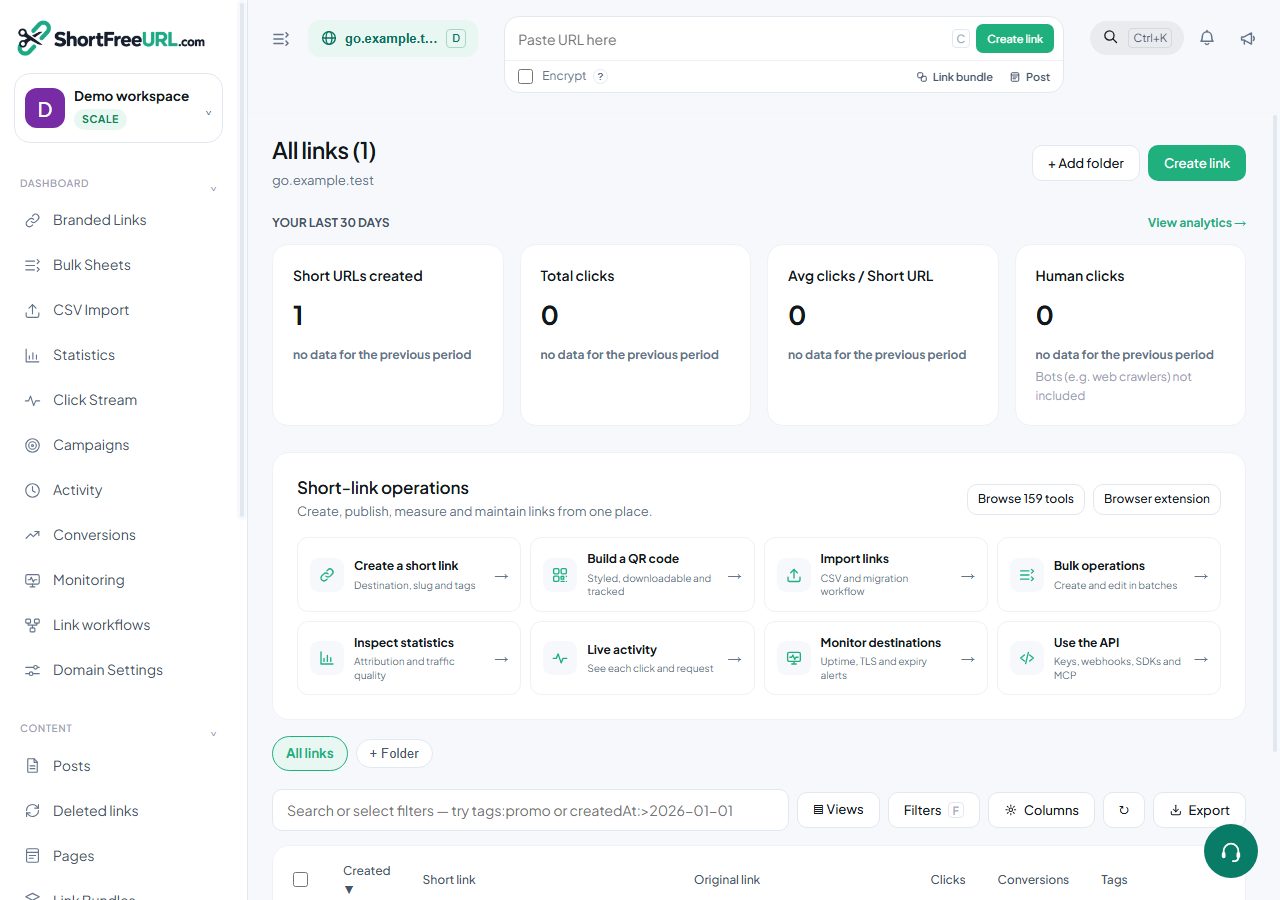
Find this in your dashboard
- Sign in and select the workspace and domain you want to manage.
- Open Branded Links. Review the article’s steps and your plan’s available controls.
- Save your changes, reopen the record and verify the saved result. For routing changes, check the short link with a test visit.