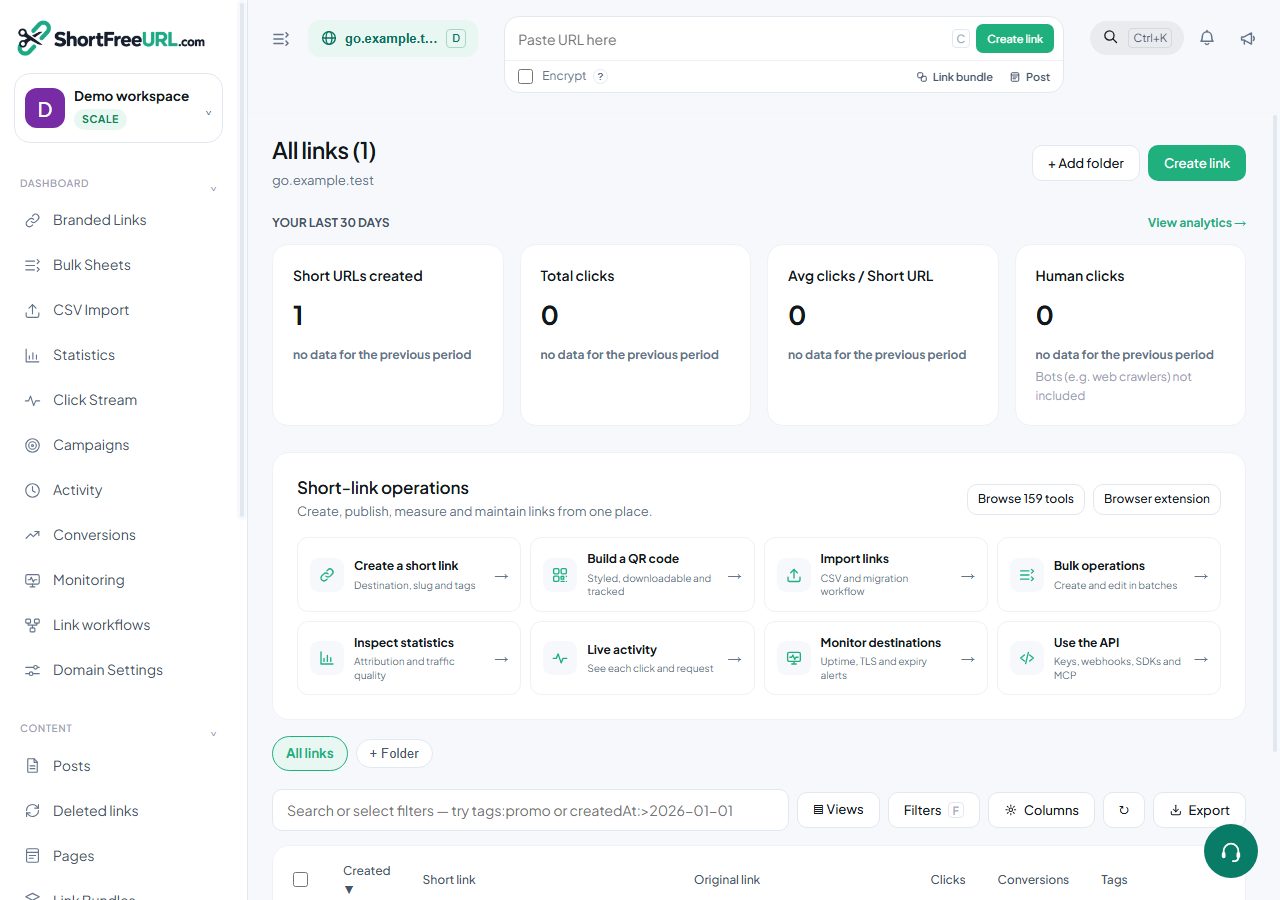
Links are the core resource. Everything the editor changes is a field on a link, and the same fields are accepted here.
Creating
curl -X POST https://your-instance/api/links \
  -H "Authorization: YOUR_SECRET_KEY" \
  -H "Content-Type: application/json" \
  -d '{"originalURL":"https://example.com/page","path":"spring","tags":["promo"]}'
Only the destination is required. Omit path and a slug is generated using the domain's rule. Omit the domain and your favourite domain is used.
If a link to the same destination already exists on the domain and duplicates are not allowed, the response is a 409 carrying the existing link, so you can reuse it rather than creating a near-duplicate. Pass allowDuplicates: true to create one anyway.
Reading
GET /api/linkslists links with search, sorting and offset paging. Thequeryparameter takes the same syntax as the dashboard search box, includingtag:,clicks:>500andarchived:true.GET /api/links/:idreturns one link.GET /api/links/expandresolves a short URL to its destination.GET /api/links/by-original-urlfinds an existing link for a destination — the check to make before creating one.POST /api/links/multiplefetches several links by ID in one request.
Updating and deleting
POST or PUT to /api/links/:id with the fields to change. DELETE removes the link permanently and frees its slug. There are also /archive, /unarchive and /duplicate actions, which do exactly what the row menu does.
Bulk
POST /api/links/bulk creates many links in one request. POST /api/links/bulk/action applies one change — tags, UTM values, folder, expiry, redirect type, cloaking, archive state — across a set of link IDs. POST /api/links/bulk/delete deletes up to 150 at a time.
Folders and tags
GET/POST /api/folders manages folders and their defaults; GET /api/tags returns the tags in use on a domain with counts, derived from the links themselves.
Restricted links
A link restricted to named users returns 404 rather than 403 to anyone outside the list, so a restricted link does not reveal that it exists.
Find this in your dashboard
- Sign in and select the workspace and domain you want to manage.
- Open Branded Links. Review the article’s steps and your plan’s available controls.
- Save your changes, reopen the record and verify the saved result. For routing changes, check the short link with a test visit.