Rather than hand-writing a client, start from the machine-readable description of the live routes.
The OpenAPI document
GET /api/openapi.json returns an OpenAPI specification generated from the running routes on your instance, with the correct base URL for that instance. Because it comes from the routes themselves, it cannot drift from what the server actually accepts.
Use it to generate a typed client in your language, to import the API into a request client for exploration, or to validate that a change on your side still matches what the server expects.
SDKs
Client libraries are published for Node.js, browser JavaScript, Python, PHP, Ruby, Go, Swift for iOS, Kotlin for Android, and a command-line tool. They wrap the same endpoints with the same field names, and they exist mainly to save you writing the authentication header and the error handling twice.
If your language is not in that list, generating from the OpenAPI document is a five-minute job and produces something you can maintain.
Choosing keys for a client
- Server code — a secret key from an environment variable or a secrets manager.
- Browser or mobile code — a public key, scoped to one domain. It can create links and nothing else, so shipping it is acceptable.
- CI — a secret key held as a repository secret, ideally with an expiry date so an abandoned pipeline stops working rather than lingering.
The discovery endpoints
Three other documents are worth knowing:
GET /api/zapier— the trigger and action catalogue used by Zapier and Make.GET /mcp— the MCP server description and its tool list.GET /api/bulk/templates— the canonical bulk column layout and the header mappings used by the importer.
Versioning and change
Endpoints are additive: fields are added, not renamed out from under you. Write clients that ignore unknown fields rather than rejecting them, and do not depend on the ordering of arrays that are not explicitly sorted.
A first request
The quickest confidence check is a create followed by an expand: create a link, then call GET /api/links/expand with the short URL and confirm the destination comes back.
Find this in your dashboard
- Sign in and select the workspace and domain you want to manage.
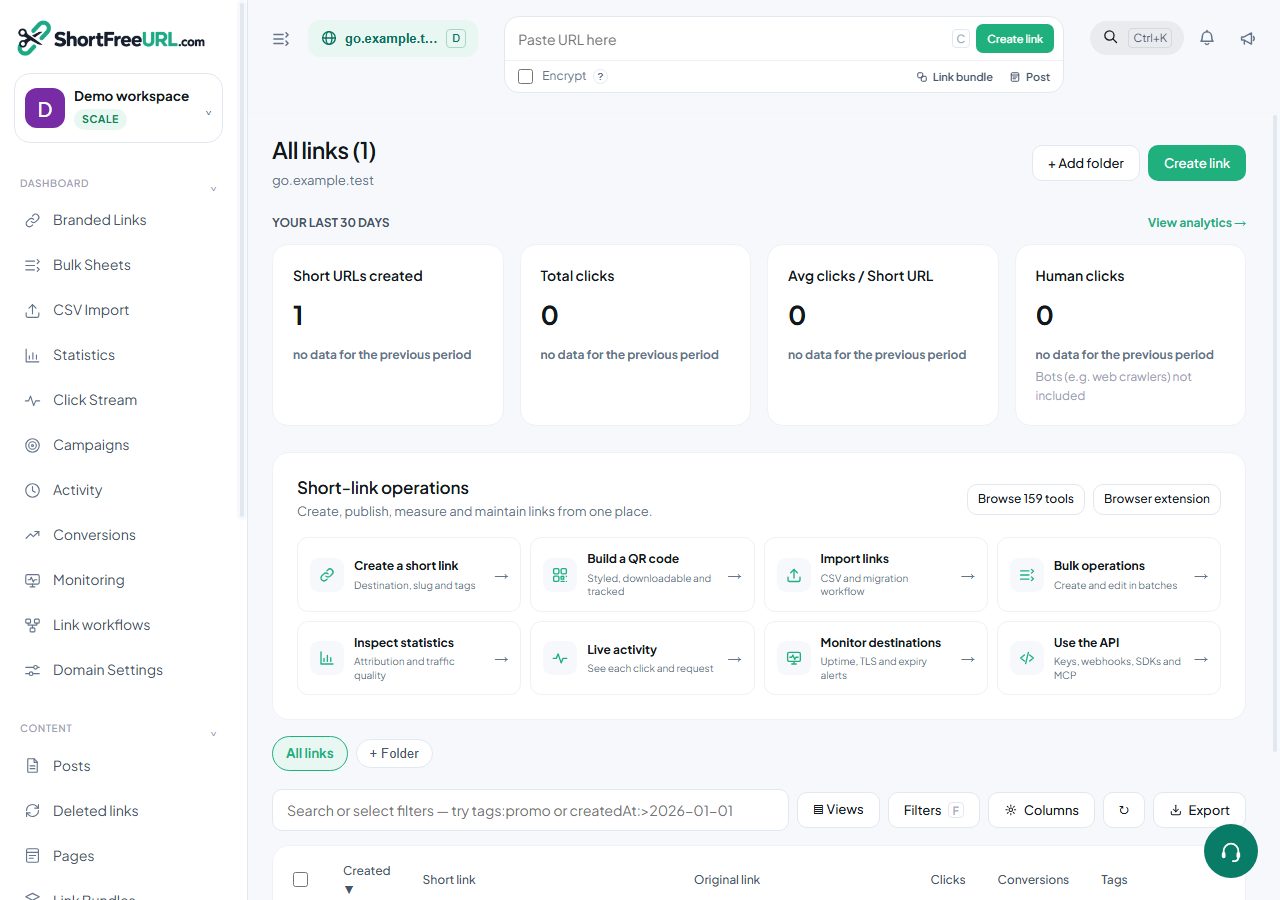
- Open Branded Links. Review the article’s steps and your plan’s available controls.
- Save your changes, reopen the record and verify the saved result. For routing changes, check the short link with a test visit.