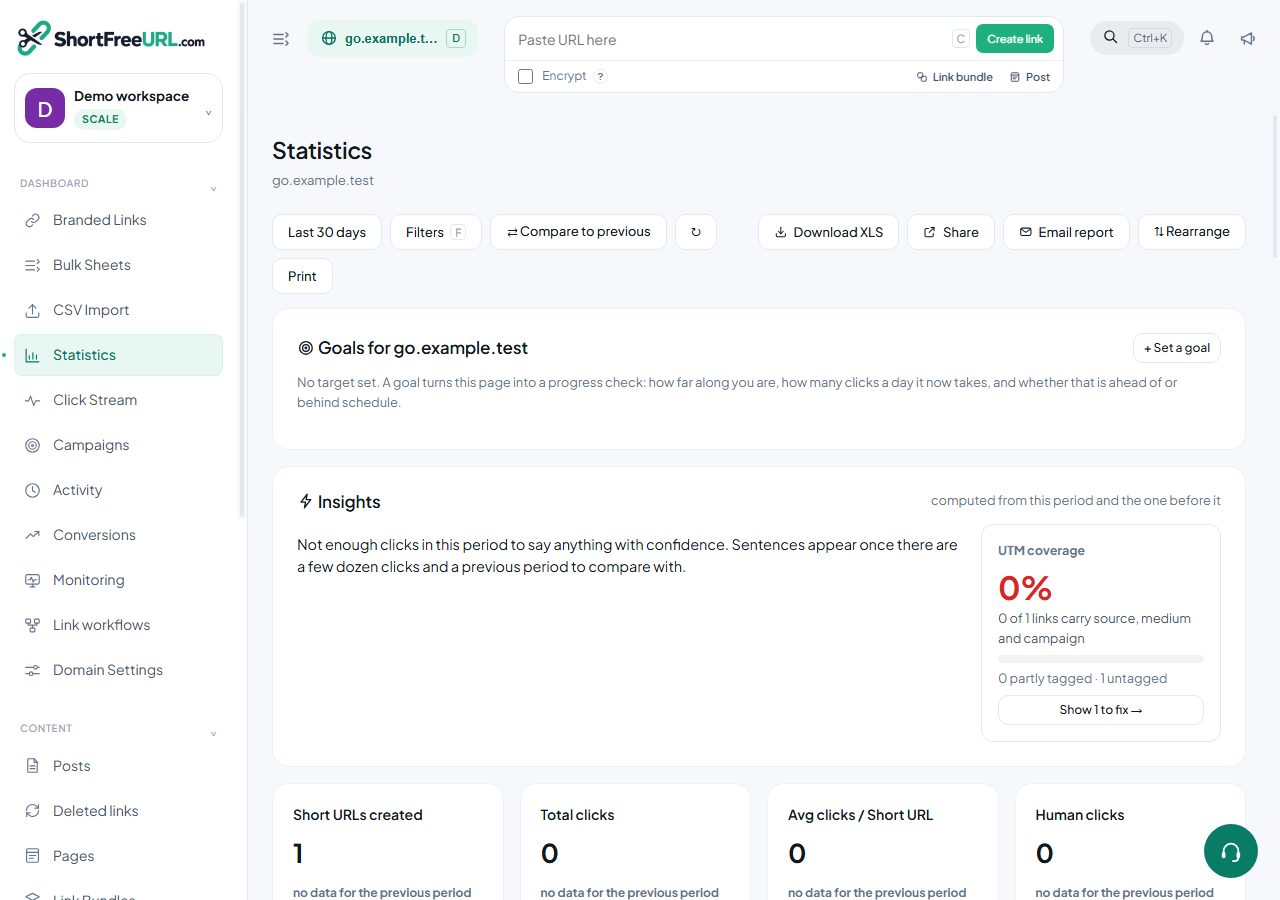
Total clicks and human clicks are always different, and the gap is not an error. Understanding it prevents the most common misreading of link analytics.
Nothing is discarded
Every request that reaches the redirector is written to the click log, bots included, and classified afterwards. That is deliberate: a filtered-at-write-time log cannot be re-examined when the classifier turns out to be wrong, and a link that looks unexpectedly popular can be explained rather than merely doubted.
Each row carries a human flag and, when a bot was detected, its name. The dashboard reports both totals; the click mode filter switches between them.
Where bot traffic comes from
- Link preview fetchers. Post a link in a messaging app, a social network or a team chat and the platform fetches it to build a card. A link shared into a large group can accumulate dozens of these before a person clicks.
- Security scanners. Corporate mail gateways and endpoint protection follow links in email to check them.
- Crawlers. Search engines and SEO tools, unless the robots policy tells them not to follow.
- Monitoring. Your own uptime checks, if you point one at a short link.
Tuning the filter
Domain settings, Statistics, has a bot filter level:
- Off — count everything as human.
- Standard — known crawlers are flagged.
- Strict — known crawlers plus behavioural signals.
Strict flags more traffic as automated. Neither setting deletes anything; both only change classification.
Prevent scraping
A separate switch. With it on, suspicious automated traffic is served a browser check before the redirect. Preview bots are exempt, because blocking them breaks link cards everywhere. Use it on domains where someone is enumerating slugs, not as a general default — it adds a step for a small share of real visitors.
Your own traffic
The IP exclusion list under Domain settings, Statistics stops clicks from listed addresses being recorded at all. Add your office range and your VPN egress addresses. A team of ten testing a campaign link before launch can otherwise account for a visible share of its first day.
Click limits
Bot fetches consume clicks against a link's click limit. Set the robots policy to "Don't follow short links" and pad the limit.
Find this in your dashboard
- Sign in and select the workspace and domain you want to manage.
- Open Statistics. Review the article’s steps and your plan’s available controls.
- Save your changes, reopen the record and verify the saved result. For routing changes, check the short link with a test visit.