Clicks tell you a link was interesting. Conversions tell you it worked. The mechanism is a click identifier that travels from the redirect to your destination and back.
How it works
Turn on conversion tracking in Domain settings, Tracking. Every redirect then appends a clid parameter to the destination URL. On your landing page, read clid from the query string on first page view and store it — a cookie, a session, or a hidden form field. When the visitor converts, report it back.
Reporting a conversion
Server-side is the recommended path, because it survives ad blockers and privacy modes:
POST /api/conversions
Content-Type: application/json

{ "clid": "<the stored click id>", "value": 49.99, "source": "checkout", "currency": "USD" }
A pixel is easier to deploy if you cannot change server code:
<img src="https://yourdomain/api/conversions/pixel.gif?clid=CLID&value=49.99" width="1" height="1" alt="">Both look the click up by its ID, record the conversion against the link and domain that produced it, and mark the click as completed. The endpoint needs no authentication — the click ID is the credential, and an unknown one returns 404.
Deduplication
A click is marked completed the first time a conversion is attributed to it, and the pixel will not record a second conversion for the same click ID. Deduplicate on your side too: a refreshed thank-you page should not report twice.
What you get
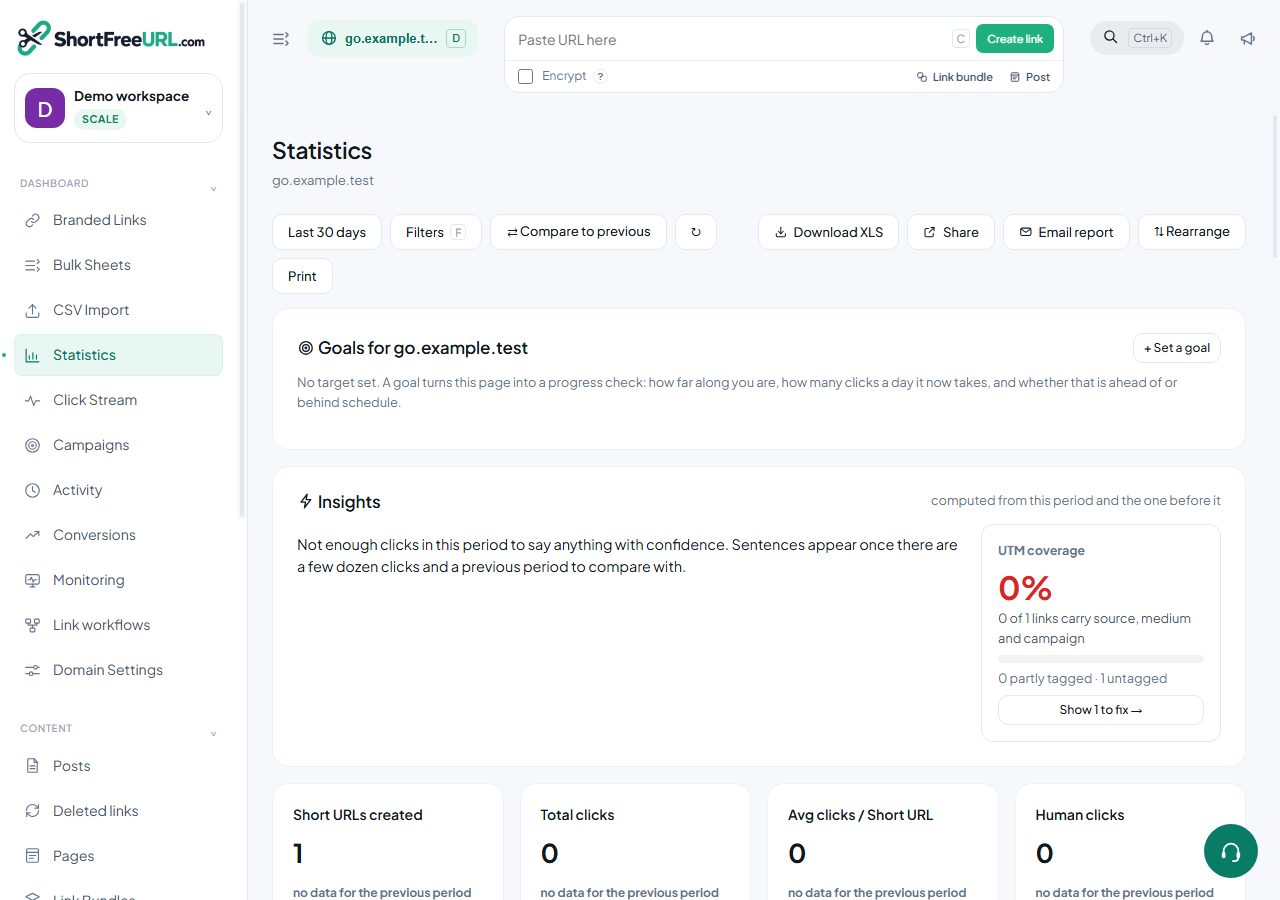
The Conversions page shows a count, total value, and a table of individual conversions with source, value, time, location and click ID. Conversion counts also appear per link in the links table and in the link editor's details panel, and as a card on the statistics page, so you can sort links by conversions rather than clicks.
What this is and is not
This is last-click attribution at the link level: the conversion is credited to the link that produced the click whose ID you reported. It does not model multi-touch journeys, and it does not know about conversions that started somewhere other than one of your links.
Conversions count against a monthly plan limit. When the limit is reached the endpoint returns 402 rather than silently dropping the event.
Find this in your dashboard
- Sign in and select the workspace and domain you want to manage.
- Open Statistics. Review the article’s steps and your plan’s available controls.
- Save your changes, reopen the record and verify the saved result. For routing changes, check the short link with a test visit.