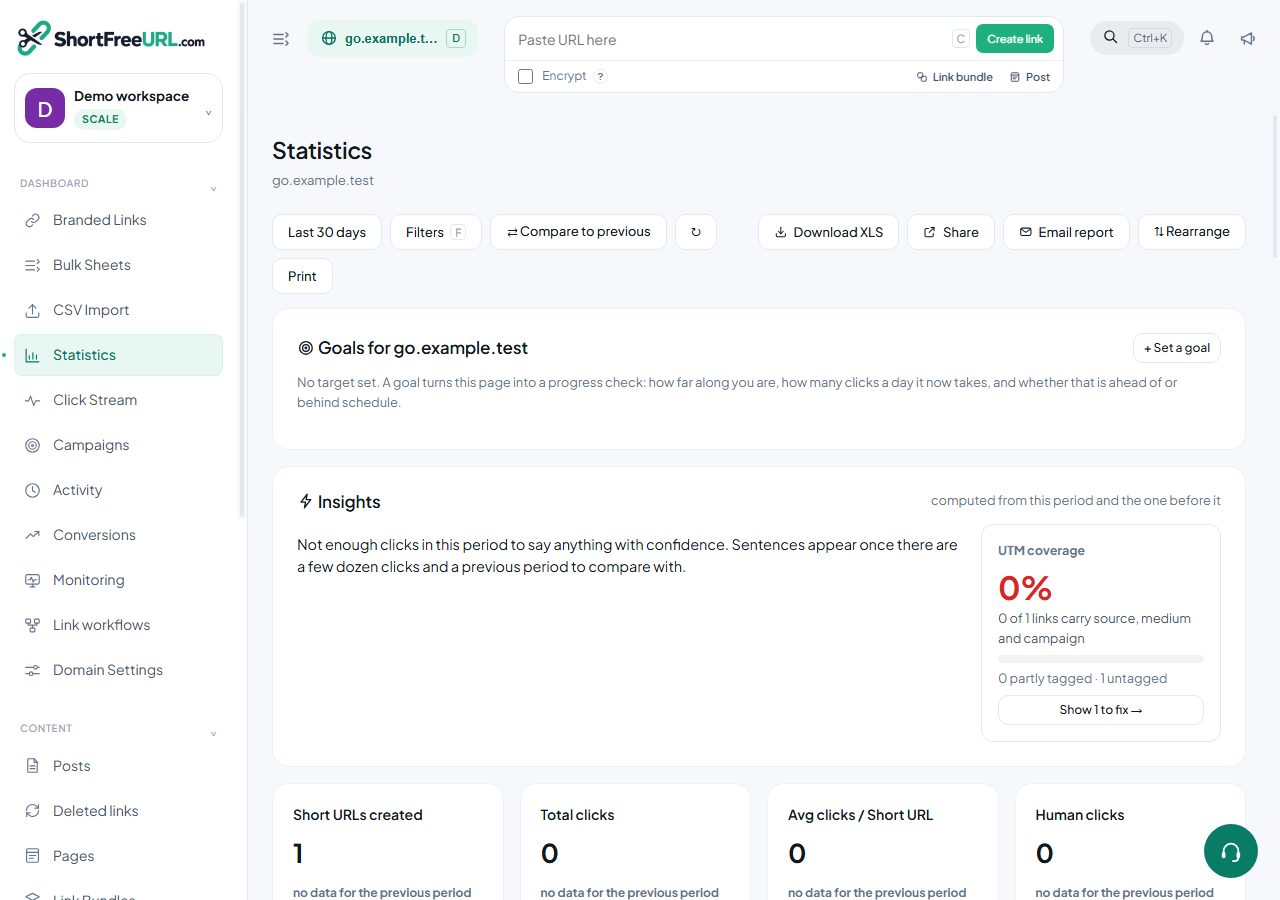
There are four ways to move click data out of the dashboard, and they suit very different volumes.
XLS export from statistics
The download button on the statistics page exports the current view — the same aggregates you are looking at, with the active date range and filters applied. Right for a monthly report or a slide.
CSV export from the click stream
The click stream exports raw rows, up to 1,000 per download, again respecting filters. Right for investigating something specific: every click on one link from one country last Tuesday.
The links table has its own CSV export covering the current selection, which is about links rather than clicks — useful as a backup before a bulk change.
Shared statistics pages
The Share control publishes a read-only statistics page on its own URL. Anyone with the link sees the numbers without an account and without access to the dashboard. This is the sane answer to a client or an executive who wants to check numbers themselves. Shares are listed and can be revoked, and revoking takes effect immediately.
Daily S3 export
For warehouse analysis, Domain settings, S3 Export writes one newline-delimited JSON file per day into your own bucket. One row per click, with the same fields the click stream shows:
{"clid":"…","ts":"2026-09-05T10:00:00Z","path":"spring","destination":"https://…","country":"IN","city":"Mumbai","browser":"Chrome","os":"Android","device":"Mobile","human":true,"referrer":"https://…","utm_source":"instagram"}Set the destination bucket in Domain settings and the IAM role ARN in Organization settings, so the export has permission to write. This is the right tool where webhooks would be millions of individual HTTP calls.
Webhooks, for the real-time case
If you need clicks as they happen rather than as a daily file, configure a webhook URL under Domain settings, Tracking. Every click is POSTed as signed JSON. Use it for alerting and automation, not for bulk analysis.
Retention
Click data is kept for a bounded period that grows with the plan, and indefinitely on Scale. If you are on a retention window and need history beyond it, schedule the S3 export or a regular CSV pull before the window closes — expired rows are gone.
Find this in your dashboard
- Sign in and select the workspace and domain you want to manage.
- Open Statistics. Review the article’s steps and your plan’s available controls.
- Save your changes, reopen the record and verify the saved result. For routing changes, check the short link with a test visit.