A webhook turns every click into an HTTP request to your own service, delivered after the visitor has already been redirected, so nothing you do slows the redirect down.
Setting it up
Domain settings, Tracking, has a webhook URL and a secret. Save the URL and use Send a test event to confirm your endpoint accepts it. The delivery log below shows recent attempts with timestamp, event, status and the beginning of the response body, which is usually enough to diagnose a failure without adding logging on your side.
The payload
A JSON body describing the click: the click ID, link ID, short URL, path, domain, destination, country, city, region, referrer, browser, OS, device, human flag, detected bot name, QR flag, UTM values, timestamp, and any ad-platform click identifiers that were on the incoming URL.
Verifying the signature
Each delivery carries an X-ShortFreeURL-Signature header computed with your webhook secret. Verify it before trusting the body — the endpoint is on the public internet and anyone can POST to it. Compare using a constant-time comparison, not string equality.
Designing the receiver
- Respond fast. Acknowledge with a 2xx and do the work asynchronously. A slow endpoint fills the delivery log with timeouts.
- Be idempotent. Deduplicate on the click ID.
- Expect bots. The human flag is in the payload; filter on it rather than treating every event as a person.
- Expect volume. A busy campaign generates a lot of events. If you only need aggregates, the daily S3 export is a better tool.
What webhooks are good for
Alerting when a specific link is clicked, pushing clicks into a CRM against a known contact, triggering a workflow in an automation tool, or mirroring clicks into your own store in real time.
What they are not good for
Bulk analysis. Millions of individual HTTP calls to build a dataset you could have read as one file a day is a poor trade — use the S3 export for that.
Failures
A failed delivery is recorded in the log with its status and response. Check there first when events stop arriving: an expired certificate or a 403 from a firewall is far more common than a missing event.
Find this in your dashboard
- Sign in and select the workspace and domain you want to manage.
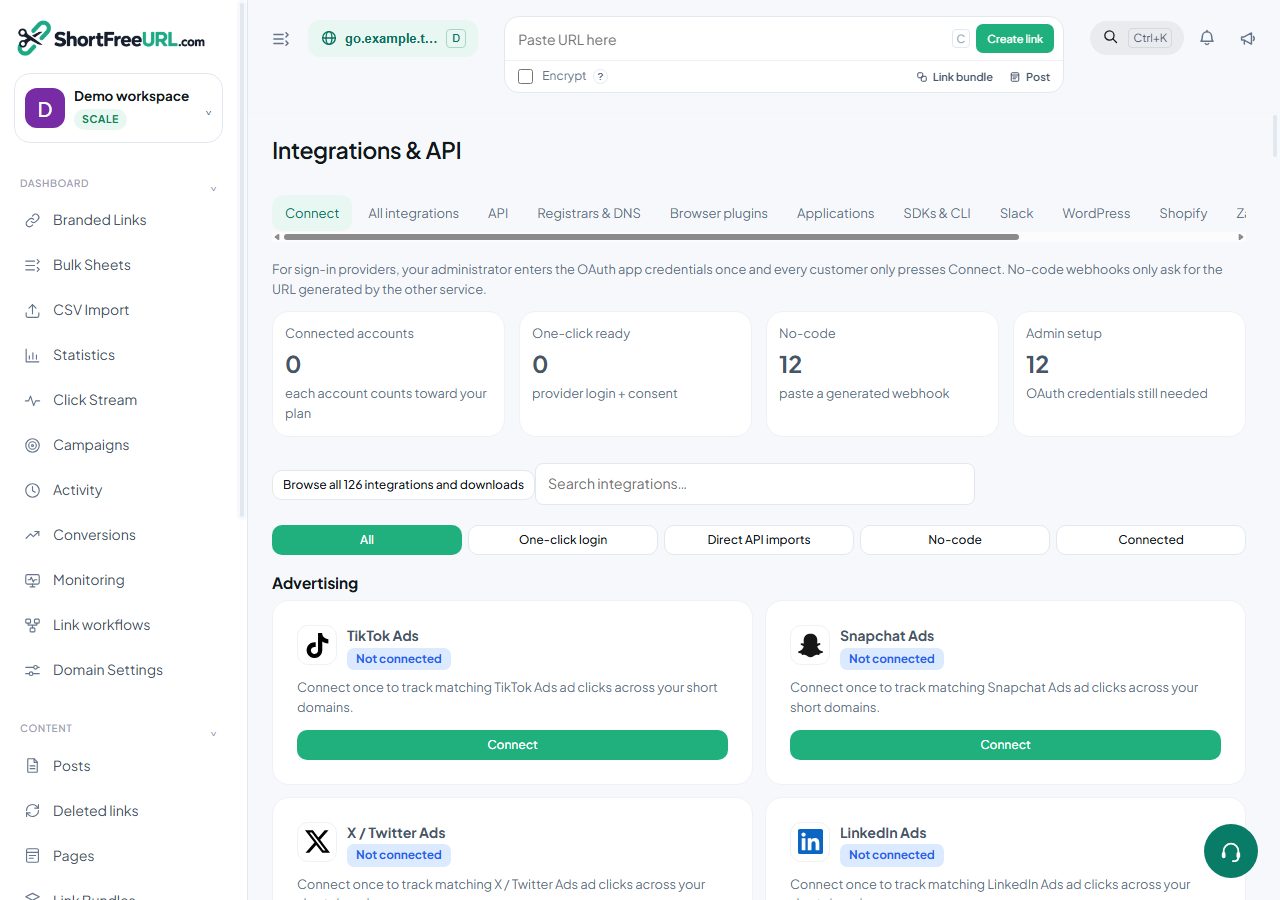
- Open Integrations & API. Review the article’s steps and your plan’s available controls.
- Save your changes, reopen the record and verify the saved result. For routing changes, check the short link with a test visit.