A browser pixel is blocked by ad blockers, by some browsers by default, and by anyone who declines cookies — commonly a third or more of real traffic. Sending the event from the server instead means the platform sees the click whatever the browser does. That is why the platforms built these APIs.
Supported destinations
Configured per domain under Domain settings, Tracking:
- Google Analytics 4 via the Measurement Protocol — measurement ID, API secret, and an optional event name.
- Meta (Facebook and Instagram) Conversions API — pixel ID, access token, event name, and an optional test event code.
- TikTok Events API — pixel ID and access token.
- LinkedIn Conversions API — conversion ID and token.
- X (Twitter) — pixel and token.
- Reddit Conversions API — pixel and token.
- Snapchat Conversions API — pixel and token.
- Pinterest Conversions API — ad account ID and token.
- Google Ads offline click conversions — conversion ID and label.
- Segment — a write key, sending a "Short Link Clicked" event.
- A custom webhook — any URL, with an optional authorization header.
How the match works
Ad platforms match a server event to their own click using the identifier they appended to the URL when the ad was clicked: gclid, fbclid, ttclid, twclid, ScCid, rdt_cid, li_fat_id, msclkid, epik, igshid. Those parameters are read off the incoming request and passed through. If your ad links do not carry them, attribution will not work — do not strip them upstream.
Identifiers that platforms want hashed are hashed with SHA-256, lower-cased and trimmed, before sending. The click ID is used as the event ID, which is what lets a platform deduplicate the server event against a browser pixel that also fired.
Reliability
Every destination is optional and independent. They run after the response has been sent, so one failing never delays a redirect and never blocks another. Each call has a timeout, and the outcome of every attempt is recorded in the delivery log with its status.
A compliance note
In the EU and UK, dropping a tracking pixel needs consent, and a redirect gives you no opportunity to ask. Take advice before enabling retargeting on links seen by European visitors.
Find this in your dashboard
- Sign in and select the workspace and domain you want to manage.
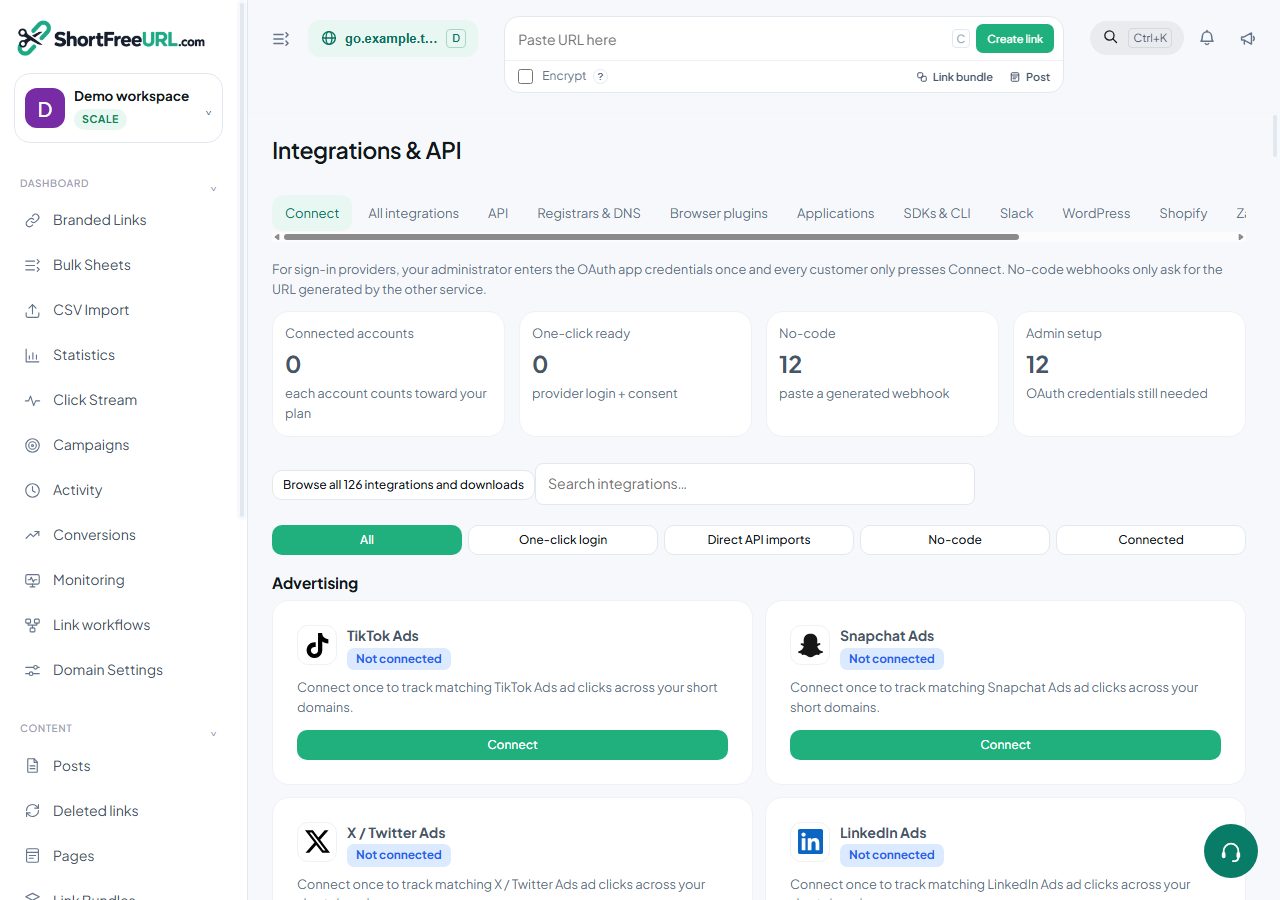
- Open Integrations & API. Review the article’s steps and your plan’s available controls.
- Save your changes, reopen the record and verify the saved result. For routing changes, check the short link with a test visit.