1. Find every integration
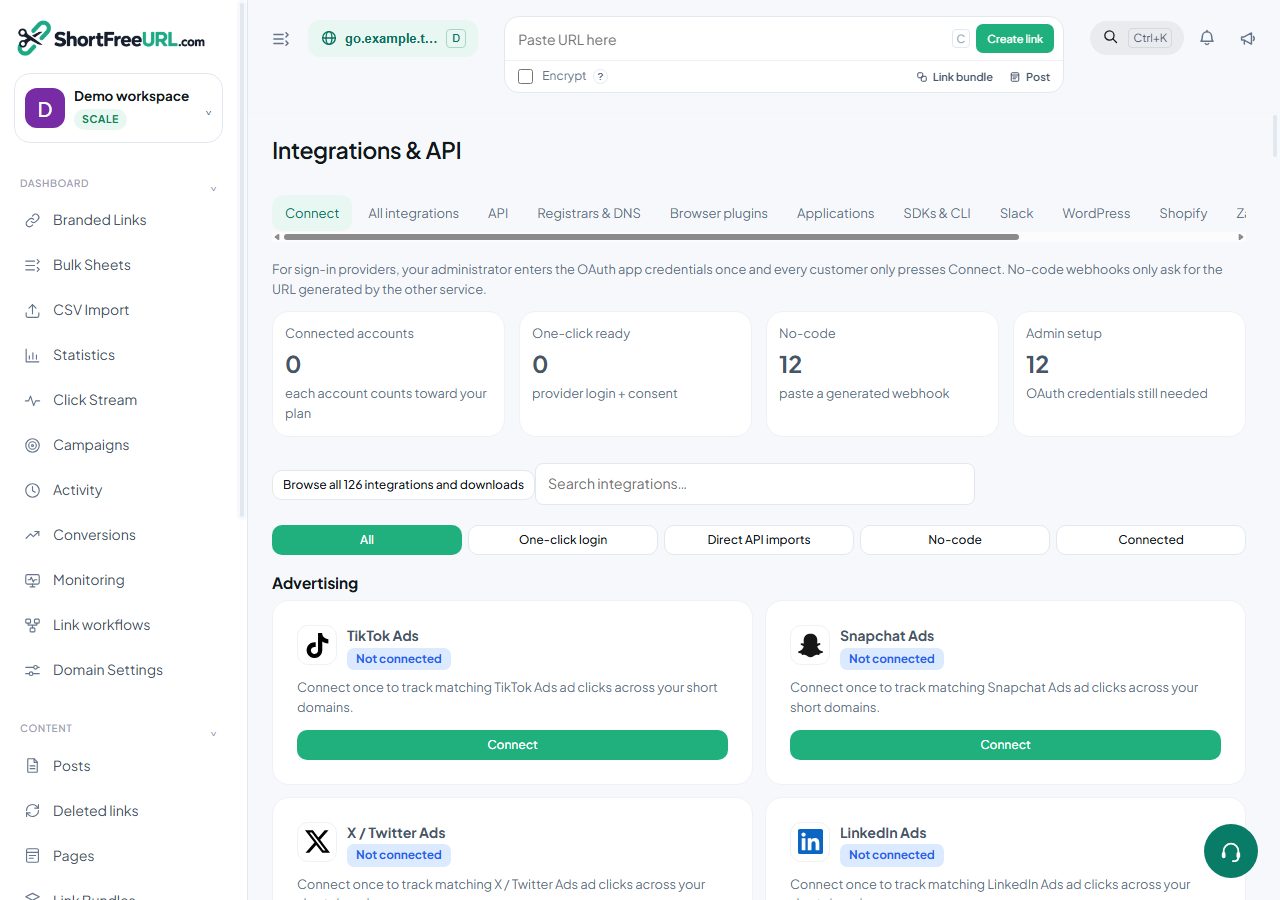
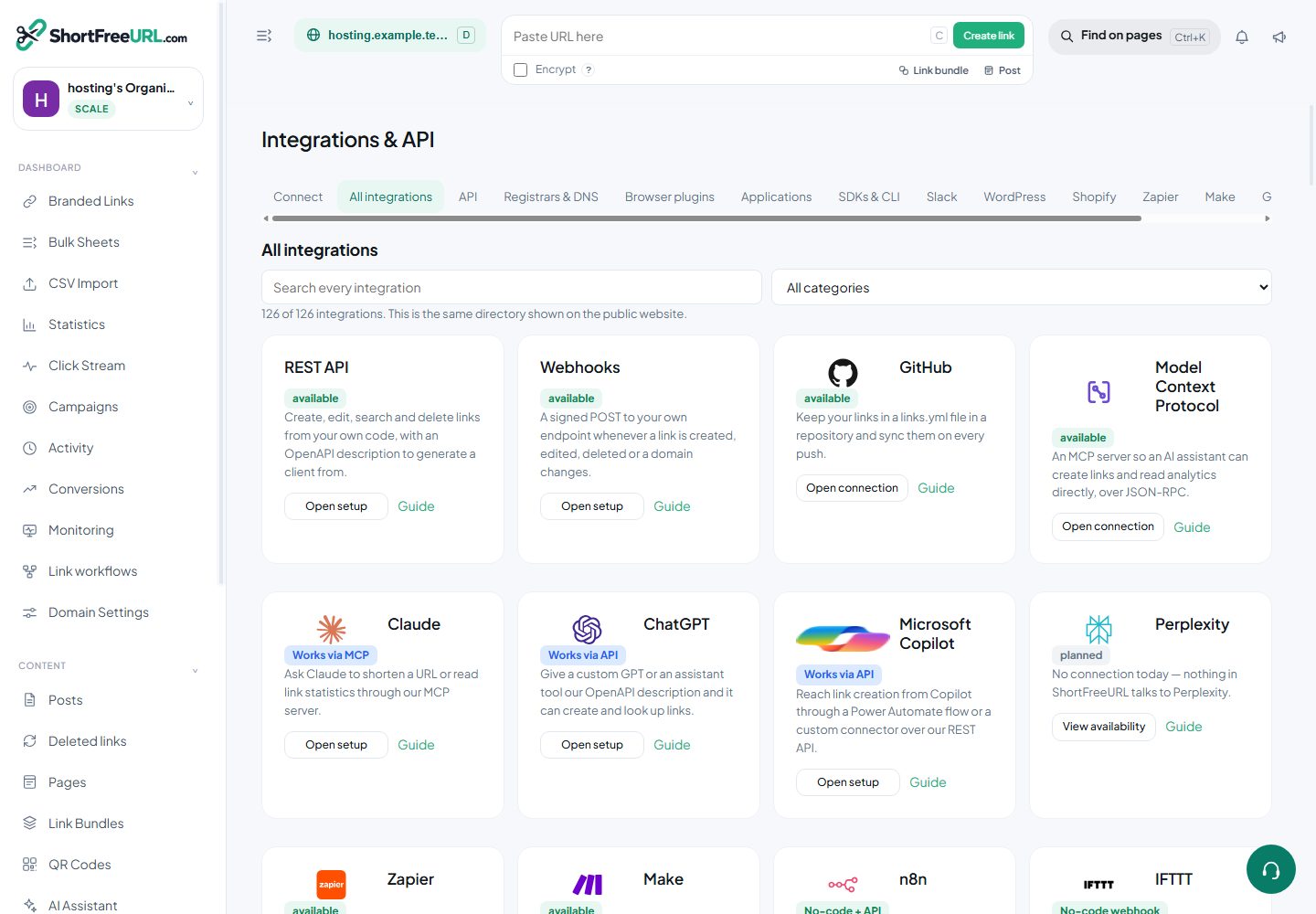
Dashboard → Integrations & API → All integrations shows the same directory as the public Integrations page. Search or choose a category. Open connection leads to the correct provider card; Open setup leads to an SDK, plugin or workflow. Planned entries explain availability and are not represented as working connections.
2. Choose direct login or API access
For OAuth providers, the operator registers an app and saves its client ID, secret and callback configuration once in Admin → Integrations. Customers then use the provider’s own login and consent page. Their passwords are never entered into ShortFreeURL. Providers may require approval or a paid API entitlement.
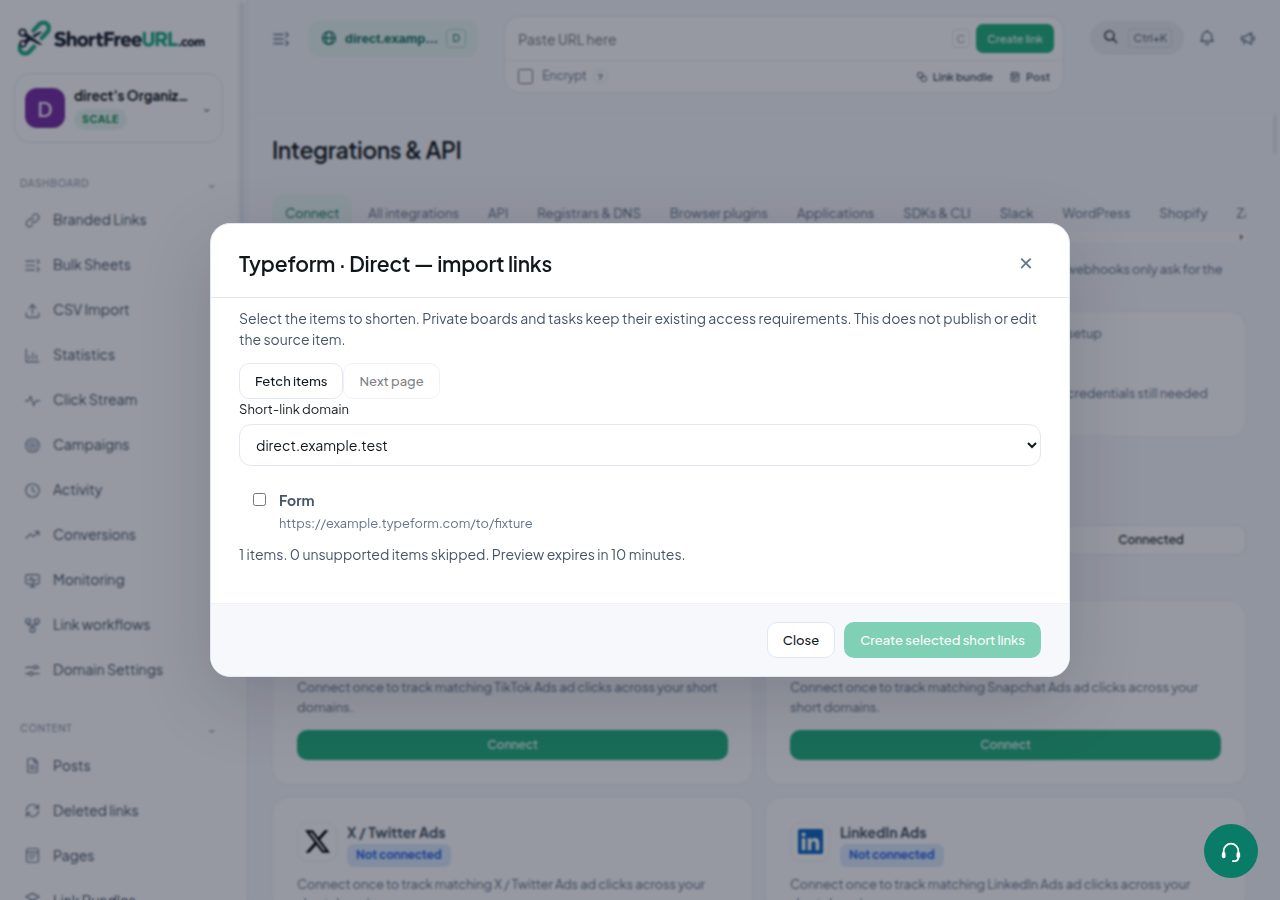
Direct imports support Coda documents, Smartsheet sheets, Wrike tasks, Jotform forms, Calendly scheduling URLs, Trello boards, ClickUp tasks, Todoist tasks and Typeform forms. Enter a provider token with read access. Saving checks the account before storing the connection. Open Import links, select items and a short domain, then create branded links. Previews expire after ten minutes and do not change source permissions.
Some providers support a generated webhook or an HTTP workflow rather than direct account access. Their cards keep that distinction. A provider token does not automatically implement every action exposed by that provider.
3. Keep multiple accounts
Use Add another account to preserve the current connection and add a second account. Choose the account before importing, checking deliveries, changing settings or disconnecting. Each saved account consumes one connection allowance; plan checks also run on subsequent requests.
4. Pause an integration
In Admin → Integrations → Customer integration availability, search for a provider and choose Pause. This stops new connections and further protected provider requests. Customers can still disconnect, and existing short links remain. Enable resumes access subject to the customer’s current plan and account limits. Both actions enter the audit log.
5. Diagnose a customer account
Connected accounts shows the customer workspace, account, provider, state and creation date. Diagnose shows current plan access, stored credential field names without values, the saved error and the latest delivery statuses. Revoke removes only the selected connection. Use the admin customer lookup, support tickets and plan overrides when a customer needs help.
6. Match pricing and permissions
Plans & limits controls the Direct API imports feature separately from general automation, advertising and email integrations. Direct imports start on Starter; free automatic SSL is included across plans for verified domains. The same feature matrix feeds public pricing and Dashboard → Subscription. Expired plans, removed memberships, disabled providers and account limits are checked by the server, including during import preview and confirmation.
Find this in your dashboard
- Sign in and select the workspace and domain you want to manage.
- Open Integrations & API. Review the article’s steps and your plan’s available controls.
- Save your changes, reopen the record and verify the saved result. For routing changes, check the short link with a test visit.