Three integrations for people who create links somewhere other than the dashboard.
Browser extension
Available for Chrome, Firefox and Edge. It shortens the page you are on in one click, lets you edit the slug and pick a domain, and copies the result — without leaving the tab.
The extension authenticates with a public API key scoped to one domain. That is deliberate: a public key can create links but cannot read your data, so a key sitting in a browser extension on a laptop is not a route into your account. Create the key under Integrations, API, choose "public", scope it to the domain the extension should use, and paste it into the extension's settings.
WordPress plugin
Three things:
- A branded short link is created automatically when a post publishes, and stored as post meta so your theme can render it.
- A
[shortfreeurl url="…"]shortcode shortens any URL inside your content. - A settings page where you paste an API key and choose the domain and folder new links land in.
Point it at a folder with UTM defaults and every post's link arrives correctly tagged without an editor doing anything.
Links as code with GitHub Actions
For teams who would rather review link changes than click them. Keep link definitions in a YAML file in your repository, review changes in pull requests, and sync on merge:
# shortfreeurl.yaml
links:
  - slug: docs
    url: https://example.com/documentation
    tags: [docs]
The workflow authenticates with a secret API key held as a repository secret and applies the file. This suits documentation links, redirects owned by engineering, and anything where the change history matters more than the convenience of an editor.
Apps
There is an iOS share-sheet app, an installable Android PWA with offline link history, and the dashboard itself can be installed as a desktop app from your browser's menu.
Which to use
If links are created by marketers, use the extension and the WordPress plugin. If they are created by software, use the API. If they are owned by engineering and should be reviewed, use the repository workflow.
Find this in your dashboard
- Sign in and select the workspace and domain you want to manage.
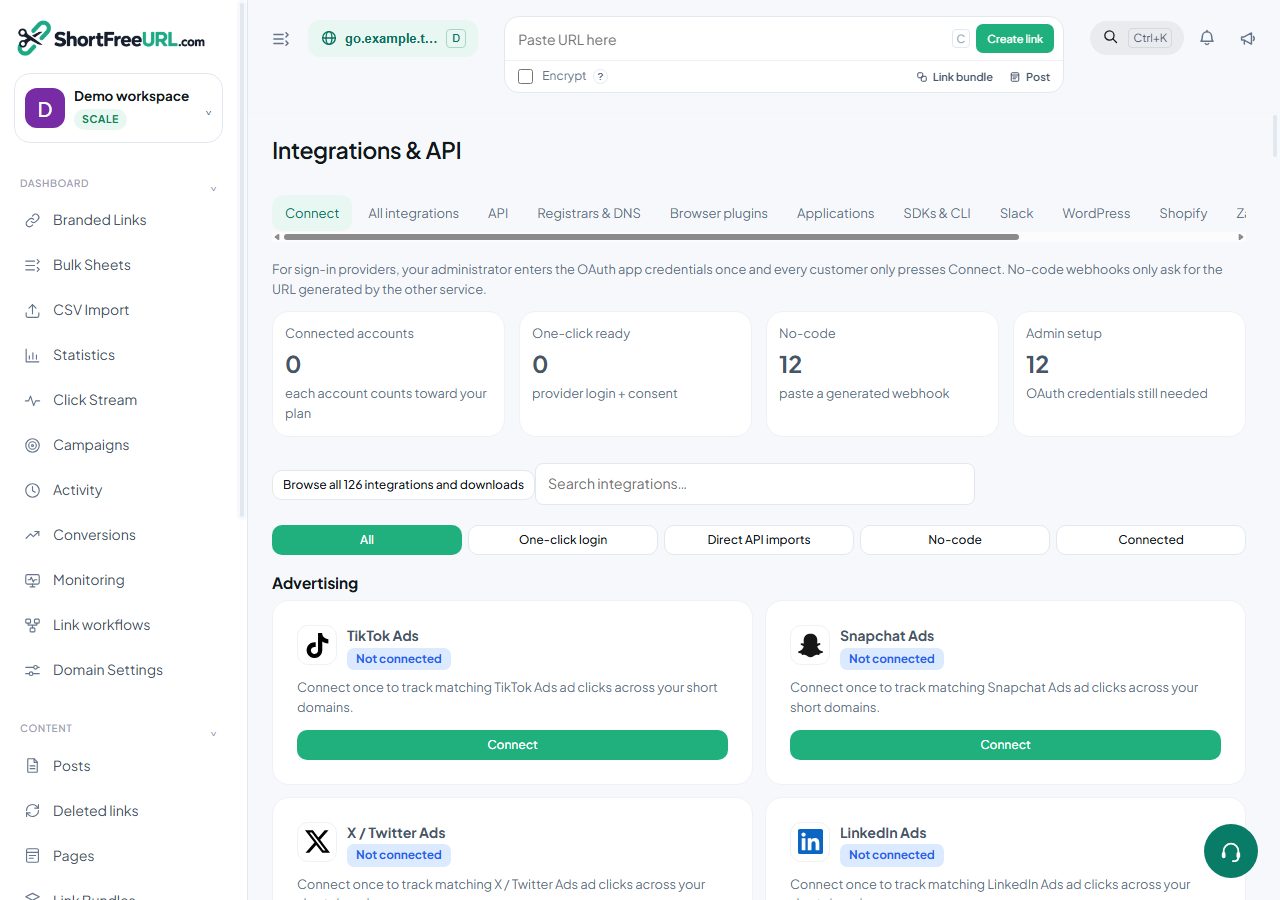
- Open Integrations & API. Review the article’s steps and your plan’s available controls.
- Save your changes, reopen the record and verify the saved result. For routing changes, check the short link with a test visit.