

Send link and domain alerts directly to Lark.
Connection type
Direct webhook / token
Paste a provider token or incoming webhook in the matching dashboard card.
Before you connect
Sign in as a workspace owner or admin. Review Subscription for feature availability and remaining connections. Prepare the provider account and the permissions needed for this workflow.
Step-by-step setup
- Create an incoming webhook or application token in Lark.
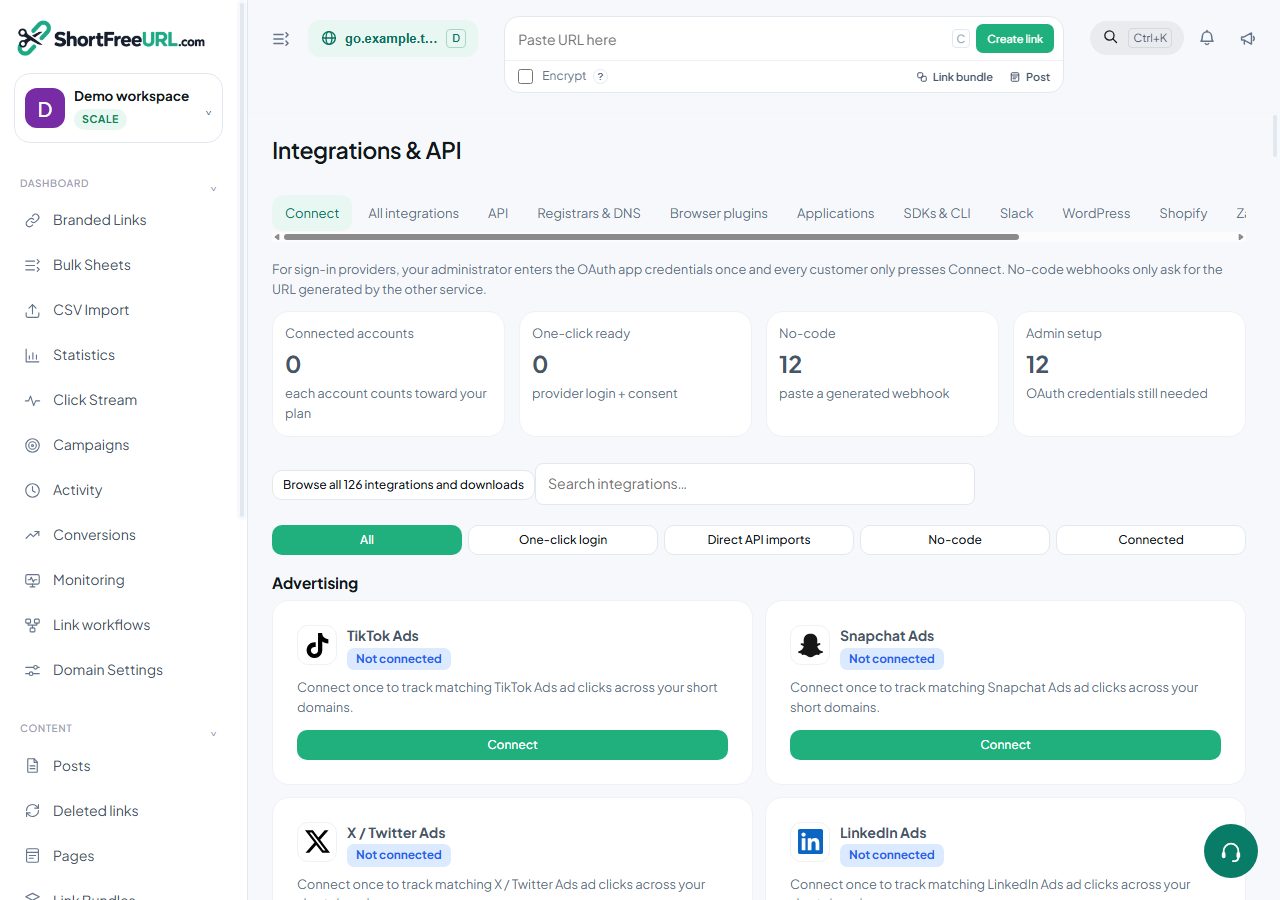
- Open Integrations & API, select Lark and paste the required setup fields.
- Choose Events to select notifications. Send test alert posts a real message to the configured destination.
- Inspect Deliveries and confirm the message appears in the provider. Disconnect to stop deliveries.
Verify and troubleshoot
Check the saved connection, run its available test, and inspect Deliveries. A saved key is not proof that an external workflow completed. For HTTP workflows, run one public URL through the source application and confirm the returned shortURL appears in Branded Links.
401/403: review credentials and provider permissions. 402: review your plan. 429: reduce frequency and respect Retry-After. Do not retry a successful creation without checking for an existing link.
Disconnect
Choose Disconnect and confirm. The local connection and generated key are removed. Work already created in the external service stays there. Expired plans and disabled integration features stop future protected requests.
Resources
Find this in your dashboard
- Sign in and select the workspace and domain you want to manage.
- Open Integrations & API. Review the article’s steps and your plan’s available controls.
- Save your changes, reopen the record and verify the saved result. For routing changes, check the short link with a test visit.