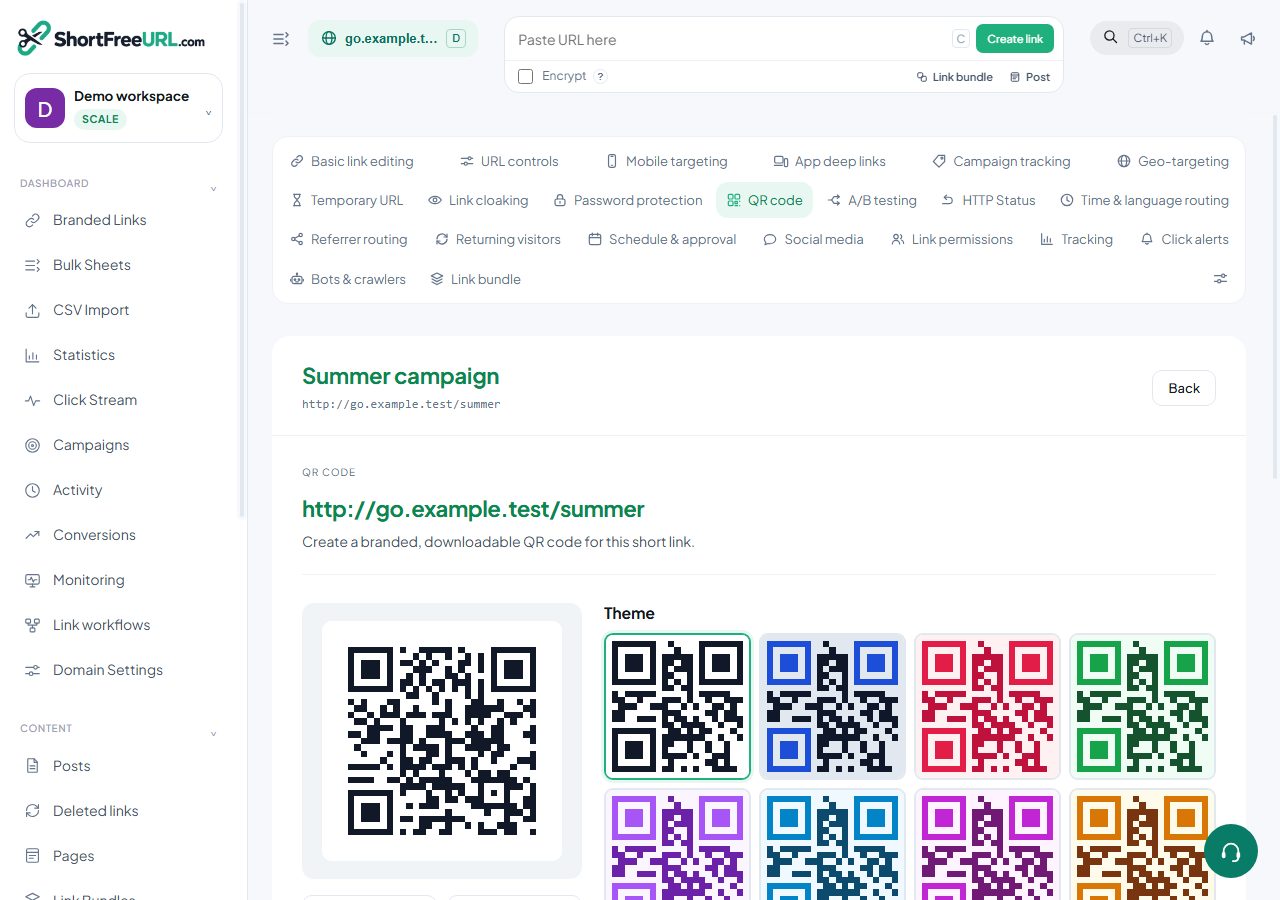
When a set of links all need codes — a product catalogue, a conference programme, a hundred table tents — generating them one at a time in the studio is the wrong approach.
From the links table
Select links in the table and use the bulk QR action. Every selected link gets a code, generated with the style that applies to it: its own saved style if it has one, otherwise the folder default, otherwise the domain default. The result is a single download containing one file per link, named by slug so you can match files to links without opening them.
Because the style comes from the link, folder and domain defaults, the sensible preparation is to set the style once at the folder or domain level and then select and export. Styling a hundred codes individually is work nobody needs to do.
From the QR codes page
The QR codes page has a bulk export that covers a whole domain or a filtered set, and it lists the codes you have published as permanent image URLs.
Choosing a format for a batch
- SVG for anything going to a designer or a printer.
- PDF when the codes will be placed directly into a print layout.
- PNG 2048 for a batch destined for a web CMS or a slide deck.
- PNG 512 for on-screen use where file size matters.
Codes for links that do not exist yet
If you are producing codes for links you are about to create, create the links first — by CSV import or the bulk sheet — then select and export. The code encodes the short URL, so the link has to exist for the code to be correct.
Naming and tracking
Give the links slugs that mean something before you generate, because the exported filenames come from the slugs. menu-table-01 through menu-table-40 is a batch you can work with; forty random six-character slugs is not.
Each code carries ?qr=1, so scans are separated from ordinary clicks. If you also want the destination's analytics to distinguish them, set the UTM values on the links first — a bulk UTM update across the selection takes one action.
Limits
Very large batches are generated server-side and returned as one download; extremely large sets are better handled in a few passes filtered by folder or tag.
Find this in your dashboard
- Sign in and select the workspace and domain you want to manage.
- Open QR code. Review the article’s steps and your plan’s available controls.
- Save your changes, reopen the record and verify the saved result. For routing changes, check the short link with a test visit.