Do not describe styled shoots as paid client weddings. Use this review before sharing a new page and whenever its destinations change.
Before you start
Have the public page address, a phone, and the intended destination for each button ready. If the page is still a draft, publish only after checking the information. Keep any private customer, guest or client information out of the public content.
Check the journey
- Open the public page from venue open-day cards. Check that it loads without your dashboard session.
- Select “Start planning” and confirm that the receiving page performs that action. Check any opening hours, dates or availability it displays.
- Test “Recent celebrations” on a narrow phone screen. Check that text, forms and consent controls remain usable.
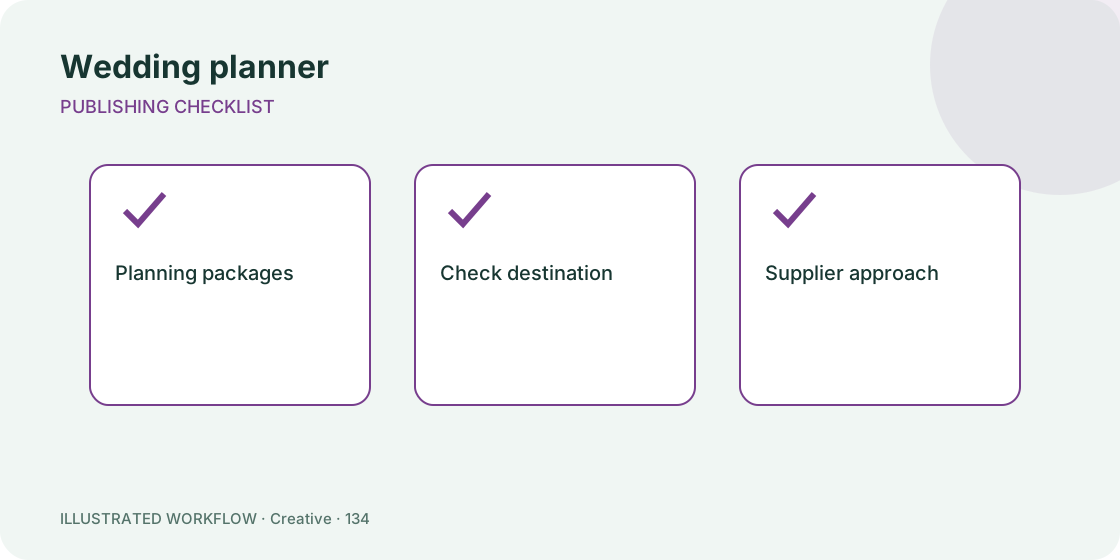
- Check “Planning packages” and “Supplier approach”. Remove destinations that are no longer maintained rather than leaving unexplained errors.
- Return to Pages and record the review date outside the public page. Make corrections in the editor, publish the updated version and repeat the affected checks.
Expected result
Every button reaches the destination its label promises. Measure consultation requests with a stated event date. Dashboard views and button clicks are activity counts, not unique people or guaranteed completed actions.
If something is wrong
An unavailable external destination must be corrected at its source or replaced in the page editor. A working preview does not prove that an external booking or checkout completes. Test that flow separately using its normal test process.
Do not describe styled shoots as paid client weddings. After an edit, confirm that the page is still published; Save draft deliberately removes it from public access.
Related steps
Build this page · Browse free templates · Open Pages
Find this in your dashboard
- Sign in and select the workspace and domain you want to manage.
- Open Pages. Review the article’s steps and your plan’s available controls.
- Save your changes, reopen the record and verify the saved result. For routing changes, check the short link with a test visit.