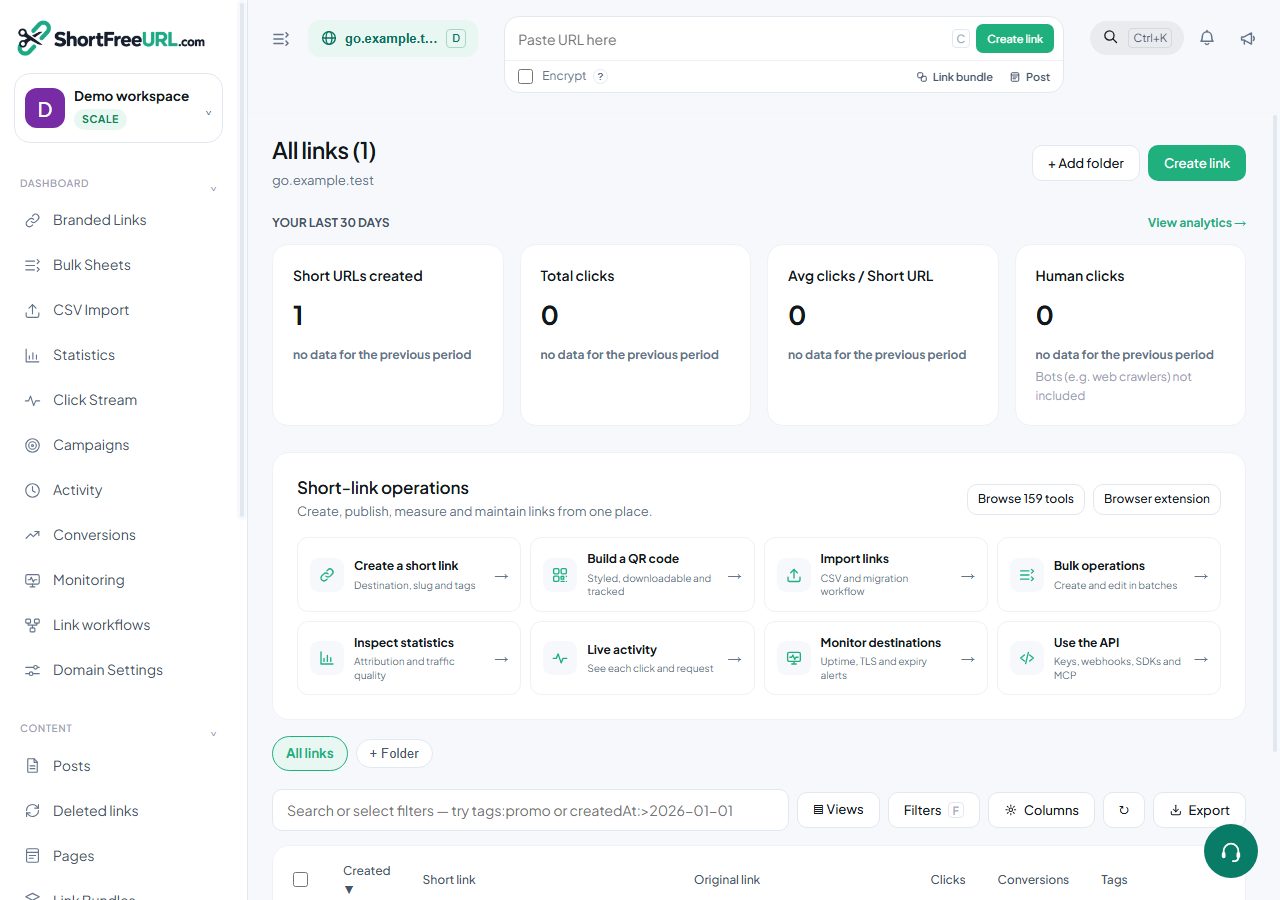
The links table is one domain at a time, newest first, up to 150 rows a page. Sorting is available on created date, updated date, clicks, conversions, title, slug and expiry.
Search syntax
The search box takes plain text — matched against slug, title, destination and tags — and a field syntax. Terms combine with AND:
path:spring
title:"Spring sale"
url:example.com
tag:promo
folder:Marketing
by:priya@acme.com
clicks:>500
created:>2026-01-01
updated:2026-08-14
expires:none
archived:true
cloaking:true
encrypted:true
redirecttype:301
Quotes hold a value with spaces together. Comparison operators >, <, >= and <= work on clicks and on the date fields. expires:none finds links with no expiry set.
Archived links are hidden by default; using archived: anywhere in the query turns that filter off, so archived:true shows only archived links and archived:false shows only live ones.
Bulk actions
Select rows and the bulk bar appears:
- delete — up to 150 at a time,
- archive and unarchive,
- add or remove tags,
- set UTM values across the selection,
- set an expiration date,
- move to a folder,
- update fields such as redirect type and cloaking,
- duplicate to another domain,
- export the selection as CSV.
Duplicate to domain is the tool for moving a campaign onto a new branded domain: the links are recreated on the target domain with their settings intact. It does not move click history, because clicks belong to the original links.
Archiving versus deleting
Archiving hides a link from the table. The redirect keeps working and clicks keep being recorded. Deleting is permanent, stops the redirect immediately, and frees the slug for reuse — which also means a printed QR code encoding that slug will point at whatever is created there next. Archive when in doubt.
Bulk editing as a sheet
For changes that are easier to see than to describe, the Bulk section has an in-browser sheet with the canonical columns, and CSV import and export around it.
Find this in your dashboard
- Sign in and select the workspace and domain you want to manage.
- Open Branded Links. Review the article’s steps and your plan’s available controls.
- Save your changes, reopen the record and verify the saved result. For routing changes, check the short link with a test visit.